Author: Ben

  • X-Robots-Tag: What It Is, Values, and How to Set It (with Examples)

    X-Robots-Tag: What It Is, Values, and How to Set It (with Examples)

    Part of our guide: canonical tags and indexing, every Search Console status explained →

    Indexing · HTTP headers

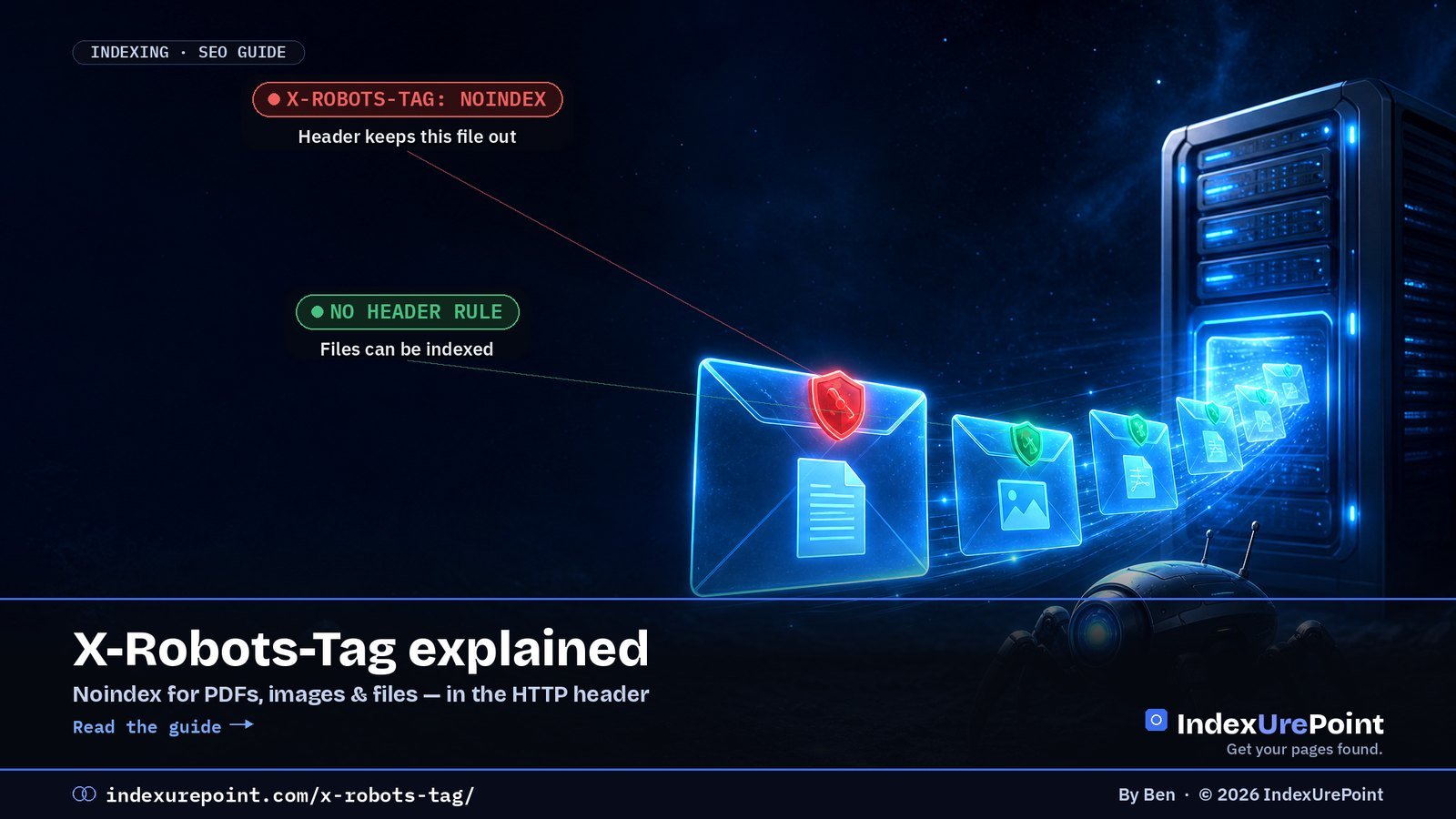
    The X-Robots-Tag is an HTTP response header that gives search engines the same indexing instructions as a robots meta tag — noindex, nofollow, nosnippet and more — but works on any file type, including PDFs, images, XML and plain text, where a meta tag can’t be placed.

    Key takeaways
    • Google: “Any rule that can be used in a robots meta tag can also be specified as an X-Robots-Tag” (Google Search Central).
    • Use it for non-HTML files (PDFs, images, feeds, text files) and for applying rules to whole folders or file types at server level.
    • It only works if the URL can be crawled. Block the URL in robots.txt and Google never sees the header.
    • When rules conflict, Google uses “the sum of the negative rules” — the most restrictive combination wins.
    • noarchive and nocache are no longer used by Google Search, but Bing still uses them to limit use in Copilot.
    How this was checked. Written against Google’s robots meta tag specification (last updated March 2026) and Bing’s list of supported robots values. First-hand: on 25 September 2026 we inspected the response headers of eight URL types on this WordPress site; the results are in the example section below.

    What is the X-Robots-Tag?

    Every time a browser or crawler requests a URL, the server replies with HTTP headers before the content itself: the status code, the content type, caching rules. The X-Robots-Tag is one of those headers. It tells search engines whether they may index the URL and how they may show it.

    HTTP/2 200
    content-type: application/pdf
    x-robots-tag: noindex

    That response says: this PDF may be fetched, but don’t show it in search results. It does the same job as <meta name=”robots” content=”noindex”> in an HTML page — which a PDF simply can’t contain. The header name, the user-agent names and the values are all case-insensitive, according to Google.

    How is it different from a meta robots tag and robots.txt?

    X-Robots-Tag Meta robots tag robots.txt
    Where it lives HTTP response header HTML of the page One file at the site root
    Controls Indexing and display Indexing and display Crawling (fetching)
    Works on PDFs, images, XML, text Yes No Yes
    Rules per folder or file type Yes, via server config No, page by page Yes, via paths
    Removes a URL from the index Yes (noindex) Yes (noindex) No — can leave it indexed without a snippet
    Visible in page source No — only in headers Yes Yes, at /robots.txt

    The last row is why X-Robots-Tag problems are hard to spot: you can view a page’s source and see nothing wrong, while the server quietly sends noindex. The difference between blocking and noindexing is covered in blocked by robots.txt and excluded by noindex tag.

    Which values can you use?

    Google supports these rules in both the meta tag and the header:

    Value What it does in Google
    noindex Don’t show the URL in search results
    nofollow Don’t follow the links on the page
    none Same as noindex, nofollow
    nosnippet No text snippet or video preview
    max-snippet:[n] Snippet of at most n characters
    max-image-preview:[setting] Maximum image preview size (none, standard, large)
    max-video-preview:[n] Video preview of at most n seconds
    noimageindex Don’t index images on the page
    notranslate Don’t offer a translation in results
    unavailable_after:[date] Stop showing the URL after a date
    indexifembedded Allow indexing when embedded via iframe despite noindex
    noarchive, nocache No longer used by Google Search

    Bing is different on the last row. Bing supports the X-Robots-Tag too, and for Bing noarchive means “do not link in Chat and Copilot”, while nocache limits Copilot to URL, title and snippet. If you want to control how Microsoft’s AI uses your content, these are the values that do it — see AI crawlers and robots.txt.

    You can also target one crawler by name and combine several headers:

    X-Robots-Tag: googlebot: nofollow
    X-Robots-Tag: otherbot: noindex, nofollow
    X-Robots-Tag: unavailable_after: 31 Dec 2026 23:59:59 CET

    When should you use the X-Robots-Tag?

    • PDFs and documents you want downloadable but not ranking — price lists, internal manuals, duplicate PDF versions of HTML pages.
    • Images you don’t want in Google Images.
    • Machine files such as XML sitemaps, feeds, API responses and llms.txt, which are meant for bots and look odd as search results.
    • Whole sections, such as a staging folder or a directory of print pages, where editing every template is impractical.
    • Temporary content with unavailable_after, like event or offer pages.

    For normal HTML pages, a meta robots tag set by your SEO plugin is usually simpler and easier for your team to see.

    How do you set the X-Robots-Tag?

    Apache (.htaccess)

    This is Google’s own example for all PDFs:

    <Files ~ "\.pdf$">
      Header set X-Robots-Tag "noindex, nofollow"
    </Files>

    NGINX

    location ~* \.pdf$ {
      add_header X-Robots-Tag "noindex, nofollow";
    }

    WordPress and PHP

    Yoast SEO already sends noindex, follow on its XML sitemaps. For your own output, send the header before any content, for example in a small plugin:

    header( 'X-Robots-Tag: noindex', true );

    That’s how our site plugin marks /llms.txt as noindex. On a CDN such as Cloudflare you can add the header with a response-header transform rule instead of touching the server.

    How do you check a URL’s X-Robots-Tag?

    • Command line: curl -I https://example.com/file.pdf shows all response headers.
    • Browser: DevTools → Network → click the request → Response Headers.
    • Search Console: URL Inspection reports “Indexing allowed? No: ‘noindex’ detected in ‘X-Robots-Tag’ http header” when the header blocks indexing. The live test shows the current state; see how to check if a page is indexed.

    Example: the headers on this site

    On 25 September 2026 we requested eight URL types on indexurepoint.com and recorded the X-Robots-Tag:

    URL X-Robots-Tag Set by
    /sitemap_index.xml noindex, follow Yoast SEO
    /post-sitemap.xml noindex, follow Yoast SEO
    /robots.txt noindex, follow Yoast SEO
    /llms.txt noindex Our site plugin
    /wp-json/ noindex WordPress REST API response
    /feed/ none —
    /?s=test (search) none — uses meta robots noindex, follow instead Yoast SEO
    Article pages none — meta robots index, follow Yoast SEO

    The pattern is exactly what you want: machine files carry a header noindex, human pages are controlled by the meta tag, and nothing a visitor should find is blocked. Note that the sitemaps are noindexed but not blocked in robots.txt — Google still has to crawl them to read the URLs inside.

    What goes wrong with the X-Robots-Tag?

    • An invisible noindex. A server rule, CDN setting or security plugin adds noindex to every response, and nobody notices because the page source looks clean. A r/TechSEO thread titled “Hidden X-Robots-Tag: noindex reported by GSC – can’t find source” is a typical example. Check the live headers, not the HTML.
    • Staging rules going live. A site-wide noindex header on the staging server gets copied to production during launch.
    • Blocked and noindexed at once. If robots.txt disallows the URL, Google can’t read the header, so the URL may stay indexed. Remove the Disallow until the noindex has been processed.
    • Conflicting rules. Header says noindex, meta tag says index: Google applies the most restrictive combination, so the page stays out.
    • Relying on noarchive for Google. Google no longer uses it. It still matters for Bing and Copilot.
    • Expecting instant removal. The header takes effect when Google recrawls the URL. For a fast temporary hide, see how to remove a URL from Google.
    Our take
    Use the meta robots tag for pages and the X-Robots-Tag for everything else. And whenever a page drops out of Google for no visible reason, check the response headers before anything else — a stray header noindex is one of the quickest problems to fix and one of the easiest to miss.

    FAQ

    What is an X-Robots-Tag?

    An HTTP response header that tells search engines whether a URL may be indexed and how it may be shown. It supports the same rules as the robots meta tag, such as noindex and nosnippet.

    What is the difference between X-Robots-Tag and robots.txt?

    robots.txt controls whether a URL may be crawled. X-Robots-Tag controls whether a crawled URL may be indexed and shown. A URL blocked in robots.txt can’t have its X-Robots-Tag read.

    What does “noindex detected in X-Robots-Tag http header” mean?

    Search Console found a noindex rule in the URL’s HTTP response headers, so Google won’t index it. Remove the rule in your server, CDN or plugin configuration if the page should be indexed, then request indexing.

    Can I use X-Robots-Tag on HTML pages?

    Yes. It works on any URL. For HTML pages a meta robots tag is usually easier to manage, but the header is useful for applying rules to many pages at once.

    Does Google still support noarchive?

    No. Google’s documentation lists noarchive and nocache as no longer used by Google Search. Bing still uses them to limit how content appears in Copilot.

    Which wins if the header and meta tag disagree?

    Google combines them and applies the sum of the negative rules, so the most restrictive result applies.

    Should XML sitemaps have a noindex X-Robots-Tag?

    It’s common and harmless: Yoast SEO does it by default. Google still reads the sitemap, it just won’t show the XML file itself in search results. Don’t block sitemaps in robots.txt.

    How do I check the X-Robots-Tag of a URL?

    Run curl -I on the URL, open the Network tab in your browser’s developer tools, or use URL Inspection in Search Console.

    B
    Ben runs IndexUrePoint and manages several websites in Google Search Console and Bing Webmaster Tools, including this one. He tests every setup described here on a live site before writing about it. Spotted an error? Tell us via the contact page; we’ll fix it and note the date.

  • What Is llms.txt? Who Uses It and Whether You Need One (2026)

    What Is llms.txt? Who Uses It and Whether You Need One (2026)

    AI Search · llms.txt · 2026 guide

    llms.txt is a Markdown file at the root of a website that gives AI agents a short, curated map of its most important pages. It is a proposal, not a standard: Google Search says it doesn’t use it, Chrome’s Lighthouse now checks for it, and it helps agents far more than it helps rankings.

    Key takeaways
    • Proposed by Jeremy Howard of Answer.AI on 3 September 2024 at llmstxt.org. Only one element is required: an H1 with the site’s name.
    • Google’s AI optimization guide says you don’t need llms.txt to appear in Google Search or its AI features, “as Google Search itself doesn’t use them”.
    • Chrome’s Lighthouse 13.3 added an llms.txt audit for agent readiness. A missing file scores N/A; only a server error fails.
    • Documentation sites from Anthropic, OpenAI, Google and Perplexity all serve one — we checked all four on 25 September 2026.
    • Google’s John Mueller has said it can make sense to noindex the file so it doesn’t show up in search results. We serve ours with an X-Robots-Tag: noindex header.
    How this was checked. First-hand: indexurepoint.com has served a live llms.txt since September 2026, generated by our own plugin, and we inspected its headers and those of four AI companies’ documentation sites on 25 September 2026. Claims about Google, Chrome and the specification are sourced to their own documentation or to named reporting, linked inline.

    What is llms.txt?

    llms.txt is a plain-text file written in Markdown and served at /llms.txt, the same place robots.txt lives. It gives a language model or AI agent a compact summary of what a site is about and a list of links to the pages that matter, so the agent doesn’t have to wade through navigation, scripts and ads to work that out.

    The proposal was published by Jeremy Howard of Answer.AI on 3 September 2024. Its core idea is stated plainly: the file “stays small enough to fit in context”, and the detail “lives behind the links”. It is a community proposal — not a W3C, IETF or search-engine standard — and nobody is obliged to read it.

    5,400monthly US searches for “llms.txt” (DataForSEO, Sept 2026) — interest far ahead of adoption by search engines
    2024year the proposal was published, on 3 September, by Jeremy Howard — llmstxt.org
    0ranking or AI-feature effect in Google Search: “Google Search itself doesn’t use them” — Google Search Central
    4 / 4AI-company documentation sites we tested serve an llms.txt: Anthropic, OpenAI, Google AI, Perplexity (25 Sept 2026)

    What does the llms.txt format look like?

    The specification defines a fixed order, so the file can be read by a person, a model or a simple parser:

    • H1 with the site or project name — the only required element.
    • A blockquote with a short summary containing the key information needed to understand the rest.
    • Optional paragraphs or lists (no headings) with more detail on how to interpret the site.
    • H2 sections with “file lists”: each entry is a Markdown link [name](url), optionally followed by a colon and a note.
    • An “Optional” H2 section, by convention, for secondary links an agent can skip when context is tight.

    This is the start of the live file on this site:

    # IndexUrePoint
    
    > Independent, plain-English guides to getting web pages found
    > and indexed on Google, Bing and AI search ... English and Dutch.
    
    ## Guides (English)
    
    - [How to Remove a URL from Google](https://indexurepoint.com/remove-url-from-google/): Fast temporary hide versus permanent removal.
    - [Orphan Pages: What They Are and How to Fix Them](https://indexurepoint.com/orphan-pages/): Pages nobody links to get crawled last.

    The proposal also suggests offering clean Markdown copies of important pages at the same URL with .md appended. Some documentation platforms additionally publish an llms-full.txt with all content in one file; that is a common convention, not part of the core proposal.

    Who actually uses llms.txt?

    This is where most articles overpromise. Here is what can be verified.

    • Google Search: no. Google’s guide to optimizing for generative AI features (updated July 2026) says you don’t need AI text files or Markdown to appear in Search or its AI features. Gary Illyes said at Search Central Live in July 2025 that Google doesn’t support llms.txt and isn’t planning to (Search Engine Land). When Google added llms.txt files to some of its own developer sites, John Mueller said plainly it was not an endorsement.
    • Chrome Lighthouse: it checks. Lighthouse 13.3 moved its Agentic Browsing category into the default report, including an llms.txt audit (Search Engine Journal). The audit is about agents, not rankings: without the file, Chrome’s documentation says, “agents may spend more time crawling the site”.
    • AI documentation sites: widely. Anthropic (code.claude.com/docs/llms.txt), OpenAI (developers.openai.com/llms.txt), Google (ai.google.dev/api/llms.txt) and Perplexity (docs.perplexity.ai/llms.txt) all returned HTTP 200 when we checked. Coding agents that read documentation are the clearest real-world audience.
    • AI answer engines citing ordinary websites: unproven. We found no official statement from OpenAI, Anthropic, Perplexity or Microsoft that llms.txt influences which websites are cited in answers. Critics such as Mark Williams-Cook argue the evidence for it is no better than astrology.

    How is llms.txt different from robots.txt and a sitemap?

    robots.txt XML sitemap llms.txt
    Purpose Allow or block crawling List every indexable URL Curate the key pages for AI agents
    Format Plain directives XML Markdown
    Read by Google Search Yes Yes No
    Controls access Yes (for compliant bots) No No
    Status IETF standard (RFC 9309) sitemaps.org protocol Community proposal

    The key point: llms.txt does not block or allow anything. If you want to control what AI crawlers can fetch, that is still a job for robots.txt rules per AI crawler. And if you want pages discovered by search engines, you still need a working sitemap and internal links.

    Do you need an llms.txt file?

    WORTH IT

    Docs, APIs, small sites

    Why: coding agents read documentation; on a small site the file takes minutes and costs nothing to maintain.

    LOW PRIORITY

    Chasing Google or AI rankings

    Why: Google Search doesn’t use it, and no AI answer engine has confirmed it affects citations.

    If your goal is visibility in Google’s AI Overviews or AI Mode, spend the time on indexing and content instead — the steps in how to get cited in AI search and AEO vs GEO. If your site is documentation that developers use with AI coding tools, an llms.txt (and Markdown versions of key pages) is a reasonable, low-cost addition.

    How do you create an llms.txt file?

    Option 1 — Yoast SEO (WordPress)

    Yoast added llms.txt generation on 10 June 2025, free for all users. Turn it on under Yoast SEO → Settings → Site features; the plugin builds the file from your site data and refreshes it weekly. You can let it pick content automatically or choose pages yourself.

    Option 2 — write it by hand

    Create a UTF-8 text file named llms.txt, follow the order above, and upload it to your site’s root so it loads at yourdomain.com/llms.txt. Keep it short: your 10 to 30 most useful pages, each with a one-line note, beats a dump of every URL.

    Option 3 — generate it dynamically

    That’s what we do. Our site plugin builds /llms.txt on request from the published guides, grouped into English and Dutch sections, and uses each article’s excerpt as the note. New articles appear automatically — both guides we published earlier today were in the file the moment they went live.

    Then: add a noindex header

    John Mueller has said using noindex for llms.txt “could make sense”, because other sites might link to it and it could otherwise get indexed, “which would be weird for users”. Since it’s a text file you can’t add a meta tag, so send an HTTP header instead. Ours returns:

    HTTP/2 200
    content-type: text/plain; charset=utf-8
    x-robots-tag: noindex

    Check yours with the URL Inspection tool or a header checker; the header itself is explained in our X-Robots-Tag guide.

    What goes wrong with llms.txt?

    • Treating it as a ranking hack. Selling llms.txt as a way into AI Overviews contradicts Google’s own documentation.
    • Server errors. A 500 on /llms.txt is the one thing Lighthouse fails you for. A 404 is fine; a broken file is not.
    • Links to non-indexable pages. Listing redirected, noindexed or deleted URLs sends agents to dead ends. Keep it in sync with your sitemap.
    • Dumping everything. A file with thousands of links defeats the purpose of fitting in context. Curate.
    • Blocking the file in robots.txt. Then compliant AI agents can’t read it. Use noindex, not Disallow.
    • Duplicate generators. Two plugins both creating the file can conflict. Pick one method.
    Our take
    llms.txt is cheap, harmless and useful for AI agents reading documentation — so we run one. But it is not an SEO lever, and anyone promising more AI citations from it is selling a guess. Get your pages indexed and worth citing first; add llms.txt afterwards, with a noindex header.

    Want to control AI Overviews instead? llms.txt won’t do it, but Search Console’s new opt-out control will: AI Overviews in Search Console.

    FAQ

    Is llms.txt actually used?

    By some AI agents and tools, especially those reading developer documentation, and Chrome’s Lighthouse checks for it. Google Search does not use it, and no AI answer engine has confirmed it affects which websites get cited.

    Is llms.txt mandatory?

    No. It is an optional community proposal. Lighthouse marks a missing file as not applicable rather than failing it.

    Does llms.txt help with Google AI Overviews?

    No. Google’s AI optimization guide says you don’t need AI text files to appear in Google Search or its AI features, because Google Search doesn’t use them.

    What is llms-full.txt?

    A convention used by some documentation platforms: one file containing the full text of the documentation, for tools that want everything at once. It is not required by the core llms.txt proposal.

    How do I generate llms.txt in WordPress?

    Yoast SEO can generate it for free under Settings, Site features. You can also upload a hand-written file to your site root or generate it with a small plugin.

    Should I noindex my llms.txt file?

    It’s sensible. Google’s John Mueller said noindex could make sense so the file doesn’t appear in search results. Use an X-Robots-Tag: noindex HTTP header.

    Does llms.txt replace robots.txt?

    No. robots.txt controls crawling access; llms.txt only suggests which pages matter. You need robots.txt to allow or block AI crawlers.

    Where do I put the llms.txt file?

    In the root of your domain, so it loads at https://yourdomain.com/llms.txt, served as plain text with UTF-8 encoding.

    B
    Ben runs IndexUrePoint and manages several websites in Google Search Console and Bing Webmaster Tools, including this one. He tests every setup described here on a live site before writing about it. Spotted an error? Tell us via the contact page; we’ll fix it and note the date.

  • AI-crawlers en robots.txt: GPTBot, ClaudeBot en Google-Extended toestaan of blokkeren

    AI-crawlers en robots.txt: GPTBot, ClaudeBot en Google-Extended toestaan of blokkeren

    Read this guide in English →

    AI-zoeken · robots.txt

    AI-bedrijven gebruiken verschillende crawlers voor verschillende taken — trainen, zoeken en ophalen namens een gebruiker — en met robots.txt sta je elk daarvan apart toe of blokkeer je hem: laat de zoekcrawlers binnen als je geciteerd wilt worden, en beslis bewust over de trainingscrawlers.

    Belangrijkste punten
    • Per bedrijf drie rollen: training (GPTBot, ClaudeBot), zoeken (OAI-SearchBot, Claude-SearchBot, PerplexityBot) en ophalen voor een gebruiker (ChatGPT-User, Claude-User, Perplexity-User).
    • Blokkeer je GPTBot, dan verdwijn je niet uit ChatGPT-zoeken; dat regelt OAI-SearchBot. Wijzigingen voor zoeken verwerkt OpenAI in ongeveer 24 uur.
    • Volgens hun eigen documentatie houden ChatGPT-User en Perplexity-User zich niet altijd aan robots.txt, omdat ze handelen op verzoek van een mens.
    • Google-Extended regelt Gemini-training en grounding in Gemini Apps en Vertex AI, maar heeft geen invloed op Google Zoeken of je ranking.
    • Microsoft heeft geen aparte AI-bot: Copilot gebruikt de Bing-index. Gebruik stuur je daar met de metatags noarchive en nocache.
    Hoe dit is gecontroleerd. Op 25 september 2026 nagelopen tegen de officiële crawlerdocumentatie van OpenAI, Anthropic, Perplexity, Google en de Bing Webmaster Blog. De voorbeelden komen uit de robots.txt van deze eigen site. Crawlerlijsten veranderen; we vermelden de datum.

    Welke AI-crawlers zijn er in 2026?

    De grote AI-bedrijven splitsen hun crawlers inmiddels op naar taak. Dat is goed nieuws: je hoeft niet meer te kiezen tussen “alles open” en “alles dicht”.

    • OpenAI: GPTBot verzamelt trainingsdata voor de modellen. OAI-SearchBot bepaalt of je in ChatGPT-zoeken verschijnt. ChatGPT-User haalt een pagina op wanneer een gebruiker daarom vraagt; volgens OpenAI zijn robots.txt-regels daar mogelijk niet van toepassing. Nieuw is OAI-AdsBot, dat pagina’s controleert die als advertentie in ChatGPT worden aangeboden.
    • Anthropic: ClaudeBot voor training, Claude-SearchBot voor zoekkwaliteit en Claude-User voor ophalen op verzoek van een gebruiker. Anthropic zegt robots.txt en Crawl-delay te respecteren.
    • Perplexity: PerplexityBot bouwt de zoekindex en wordt volgens Perplexity niet gebruikt voor modeltraining. Perplexity-User haalt pagina’s op tijdens een vraag en negeert robots.txt volgens de eigen documentatie “in het algemeen”.
    • Google: Google-Extended is geen aparte crawler maar een token in robots.txt; het crawlen gebeurt met de gewone Google-user-agents.
    • Apple: Applebot-Extended bepaalt of Apple je content voor AI-training mag gebruiken.
    Crawler Bedrijf Rol Blokkeren kost je
    GPTBot OpenAI Training Weinig zichtbaarheid; je data blijft uit toekomstige modellen
    OAI-SearchBot OpenAI ChatGPT-zoeken Bronvermeldingen in ChatGPT
    ChatGPT-User OpenAI Ophalen voor gebruiker Weinig effect; regels worden mogelijk niet toegepast
    ClaudeBot Anthropic Training Weinig zichtbaarheid
    Claude-SearchBot / Claude-User Anthropic Zoeken / ophalen Zichtbaarheid in Claude-antwoorden
    PerplexityBot Perplexity Zoekindex Bronvermeldingen in Perplexity
    Google-Extended Google Gemini-training en -grounding Niets in Google Zoeken
    Applebot-Extended Apple AI-training Niets in zoekresultaten

    Welke AI-crawlers moet je toestaan?

    ZOEKCRAWLERS

    Meestal toestaan

    Waarom: zij bepalen of je gevonden en geciteerd kunt worden in AI-antwoorden.

    TRAININGSCRAWLERS

    Jouw keuze

    Waarom: blokkeren houdt je content uit toekomstige modellen, met minder direct effect op je zichtbaarheid.

    Voor de meeste bedrijfssites, blogs en webshops is de verstandige standaard: zoekcrawlers toestaan. Als ChatGPT, Claude of Perplexity een vraag beantwoordt waar jij het beste antwoord op hebt, wil je als bron genoemd worden. Hoe je die kans vergroot, lees je in GEO-optimalisatie.

    Over trainingscrawlers kun je verschillend denken. Is je content zelf het product — betaald onderzoek, cursusmateriaal, een database — dan is blokkeren verdedigbaar. Is je content bedoeld om gevonden te worden, dan levert blokkeren weinig op en kan het op termijn betekenen dat modellen je merk minder goed kennen.

    Wat doet Google-Extended precies?

    Google-Extended bepaalt of content die Google crawlt gebruikt mag worden voor het trainen van toekomstige Gemini-modellen en voor grounding in Gemini Apps en Vertex AI. Google schrijft er uitdrukkelijk bij dat Google-Extended geen invloed heeft op opname in Google Zoeken en geen rankingsignaal is.

    Belangrijk voor wie denkt zich zo uit AI Overviews te houden: AI Overviews zijn onderdeel van Google Zoeken en werken met de gewone Googlebot-index. Google-Extended blokkeren haalt je daar dus niet uit. Wel kun je sinds 31 augustus 2026 je hele site uitsluiten van AI Overviews en AI Mode met de instelling Generatieve AI in Zoeken in Search Console (Instellingen), zonder uit de gewone zoekresultaten te verdwijnen — uitleg in onze gids over AI Overviews in Search Console (Engels). Wil je een pagina helemaal niet in Google, dan heb je noindex nodig — niet robots.txt.

    Hoe zit het met Bing en Microsoft Copilot?

    Microsoft werkt anders: er is geen aparte AI-crawler om te blokkeren. Copilot en de AI-antwoorden in Bing gebruiken de gewone Bing-index, gevuld door Bingbot. Blokkeer je Bingbot, dan verdwijn je uit Bing én uit Copilot.

    In plaats daarvan gebruikt Bing metatags. Volgens de aankondiging van Microsoft betekent nocache dat alleen URL, titel en fragment in chatantwoorden mogen verschijnen, en noarchive dat je content daar helemaal niet wordt gebruikt — terwijl je gewoon in de zoekresultaten blijft staan. De actuele lijst staat in Bings overzicht van ondersteunde robots-metatags. Hoe vaak Copilot je al citeert, zie je in het AI Performance-rapport van Bing Webmaster Tools.

    Voorbeeldregels voor robots.txt

    Variant 1 — AI-zoeken toestaan, AI-training blokkeren:

    User-agent: GPTBot
    Disallow: /
    
    User-agent: ClaudeBot
    Disallow: /
    
    User-agent: Google-Extended
    Disallow: /
    
    User-agent: Applebot-Extended
    Disallow: /

    Zoekcrawlers als OAI-SearchBot, Claude-SearchBot en PerplexityBot noem je niet; die mogen dan standaard alles, net als Googlebot en Bingbot.

    Variant 2 — alles toestaan (zoals op deze site):

    User-agent: *
    Disallow:
    
    Sitemap: https://indexurepoint.com/sitemap_index.xml

    Variant 3 — één map afschermen voor één bot:

    User-agent: GPTBot
    Disallow: /premium/

    Test elke wijziging in het robots.txt-rapport van Search Console en onthoud dat robots.txt een verzoek is, geen slot. Een pagina die je in robots.txt blokkeert, kan bovendien nog steeds in Google verschijnen — zonder beschrijving. Zie geblokkeerd door robots.txt.

    Hoe controleer je welke AI-bots je site bezoeken?

    • Serverlogs: zoek in je access-logs naar de user-agent-namen uit de tabel hierboven. De meeste hostingpartijen laten je de ruwe logs downloaden.
    • CDN of firewall: Cloudflare en vergelijkbare diensten tonen botverkeer per user-agent en laten je AI-bots per categorie toestaan of weren. Let op dat zo’n instelling niet stilletjes ook Bingbot of Googlebot tegenhoudt.
    • Echtheid controleren: iedereen kan zich GPTBot noemen. OpenAI, Google en anderen publiceren IP-reeksen waarmee je kunt nagaan of een bezoek echt van hen komt.
    • Resultaat meten: kijk in je analytics naar verwijzend verkeer van chatgpt.com, perplexity.ai en copilot.microsoft.com.

    Wat gaat er vaak mis?

    • Alles blokkeren uit voorzorg. Een regel als User-agent: * met Disallow: /, of een beveiligingsplugin die “alle AI-bots” weert, houdt je ook uit AI-zoeken.
    • Denken dat GPTBot = ChatGPT-zoeken. Dat zijn twee bots met twee rollen. Controleer welke je precies blokkeert.
    • Typefouten in de botnaam. GPT-Bot of Claudebot-Search bestaan niet; een onbekende naam wordt genegeerd.
    • Bingbot per ongeluk blokkeren. Daarmee verdwijn je uit Copilot én uit de bron waar ChatGPT-zoeken zwaar op leunt.
    • Verwachten dat het direct werkt. OpenAI en Perplexity noemen allebei tot ongeveer 24 uur voordat een wijziging verwerkt is.

    Voorbeeld: zo doen we het op deze site

    IndexUrePoint laat alle crawlers toe; onze robots.txt bestaat alleen uit User-agent: *, een lege Disallow en de verwijzing naar de sitemap. Daarnaast serveren we een /llms.txt (uitleg in het Engels) met een overzicht van onze Engelse en Nederlandse gidsen. Eerlijk is eerlijk: geen van de grote AI-bedrijven heeft bevestigd dat ze llms.txt gebruiken bij het bepalen van bronnen. Het kost niets en schaadt niet, maar het vervangt geen goede robots.txt, sitemap en indexering.

    Onze mening
    Blokkeer AI-zoekcrawlers bijna nooit: je verdwijnt dan uit de antwoorden waar je klanten steeds vaker beginnen. Over trainingscrawlers mag je bewust kiezen, maar doe het per bot en niet met een botte “alles dicht”-knop.

    Test je regels direct met onze gratis robots.txt-tester (Engels): in één klik zie je of GPTBot, ClaudeBot en Googlebot worden toegelaten of geblokkeerd.

    Veelgestelde vragen

    Verdwijn ik uit ChatGPT als ik GPTBot blokkeer?

    Niet vanzelf. ChatGPT-zoeken gebruikt OAI-SearchBot, die los van GPTBot wordt geregeld. GPTBot is de trainingscrawler van OpenAI.

    Schaadt het blokkeren van Google-Extended mijn Google-ranking?

    Nee. Google stelt dat Google-Extended geen invloed heeft op opname in Google Zoeken en geen rankingsignaal is.

    Houdt het blokkeren van Google-Extended mij uit AI Overviews?

    Nee. AI Overviews zijn onderdeel van Google Zoeken en gebruiken de gewone Googlebot-index. Google-Extended gaat over Gemini-training en grounding in Gemini Apps en Vertex AI. Wil je uit AI Overviews, gebruik dan de instelling Generatieve AI in Zoeken in Search Console.

    Houden alle AI-bots zich aan robots.txt?

    De gedocumenteerde crawlers van de grote bedrijven wel. Bots die handelen op verzoek van een gebruiker, zoals ChatGPT-User en Perplexity-User, volgen robots.txt volgens hun eigen documentatie niet altijd, en onbekende scrapers kunnen het volledig negeren.

    Hoe blokkeer ik Microsoft Copilot?

    Er is geen aparte Copilot-crawler. Met de metatag noarchive gebruikt Bing je content niet in chatantwoorden, met nocache alleen URL, titel en fragment. Bingbot blokkeren haalt je ook uit Bing-zoeken.

    Hoe lang duurt het voordat een wijziging in robots.txt werkt?

    OpenAI en Perplexity noemen tot ongeveer 24 uur. Google leest robots.txt doorgaans ook binnen een dag opnieuw.

    Hoe zie ik welke AI-bots mijn site bezoeken?

    Zoek in je serverlogs of in de botstatistieken van je CDN naar de user-agents GPTBot, OAI-SearchBot, ClaudeBot, Claude-SearchBot en PerplexityBot.

    Heb ik een llms.txt nodig?

    Het is optioneel. Geen van de grote AI-bedrijven heeft bevestigd dat ze het gebruiken voor bronselectie. Een goede robots.txt, sitemap en indexering zijn belangrijker.

    B
    Ben runt IndexUrePoint en beheert meerdere websites in Google Search Console en Bing Webmaster Tools, waaronder deze. Hij test elke instelling uit deze gids eerst op een live site voordat hij erover schrijft. Een fout gezien? Laat het weten via de contactpagina; we passen het aan en vermelden de datum.

  • Bing Webmaster Tools: uitleg en instellen in 10 minuten (gids 2026)

    Bing Webmaster Tools: uitleg en instellen in 10 minuten (gids 2026)

    Read this guide in English →

    Bing · Webmaster Tools · gids 2026

    Bing Webmaster Tools is de gratis tegenhanger van Google Search Console van Microsoft: je ziet hoe Bing je site crawlt, indexeert en rankt — en sinds februari 2026 ook hoe vaak Microsoft Copilot je pagina’s als bron noemt in AI-antwoorden.

    Belangrijkste punten
    • Instellen kost ongeveer 10 minuten: site toevoegen (of importeren uit Search Console), verifiëren, sitemap indienen, IndexNow koppelen.
    • Bing zelf is in Nederland klein — ongeveer 3,7% van alle zoekopdrachten in augustus 2026 (StatCounter) — maar de Bing-index wordt veel breder gebruikt dan bing.com.
    • In een onderzoek met 100 zoekvragen kwam 87% van de bronnen van ChatGPT-zoeken overeen met de topresultaten van Bing (Seer Interactive, 2025).
    • Het rapport AI Performance (openbare preview sinds 10 februari 2026) toont vermeldingen in Copilot en de AI-samenvattingen van Bing — data die Google Search Console niet apart laat zien.
    • IndexNow meldt nieuwe URL’s binnen seconden bij Bing; volgens Microsoft kwam 17% van de aangeklikte nieuwe URL’s in Bing via IndexNow binnen.
    • Er is geen officiële koppeling met ChatGPT, Claude of BigQuery; elke koppeling loopt via de Bing Webmaster API met een API-key (Settings → API Access).
    Hoe dit is gecontroleerd. Uit eigen ervaring: op 24 september 2026 hebben we indexurepoint.com toegevoegd aan Bing Webmaster Tools, geverifieerd met de metatag, onze sitemapindex ingediend en IndexNow gekoppeld. Al het andere is herleid naar Microsofts eigen documentatie of naar genoemde onderzoeken, met een link in de tekst. Reddit-discussies noemen we alleen op basis van hun openbare titels en zoekfragmenten. De sectie over koppelen aan ChatGPT, Claude en BigQuery en de update over Topics Portfolio zijn op 18 oktober 2026 nagelezen in Microsofts API-documentatie en op het Bing Webmaster-blog.

    Wat is Bing Webmaster Tools?

    Bing Webmaster Tools is een gratis dashboard van Microsoft voor website-eigenaren. Het laat zien welke pagina’s Bing heeft gevonden en geïndexeerd, op welke zoekopdrachten je verschijnt, welke sites naar je linken en welke technische problemen Bing tegenkwam tijdens het crawlen. Microsoft heeft ook een Nederlandstalige helppagina, al is het dashboard zelf grotendeels Engelstalig.

    Microsofts eigen Webmaster Guidelines beschrijven inmiddels hoe Bing content toont in Bing-zoekresultaten, in Copilot en in resultaten van de grounding-API. Met andere woorden: dezelfde index voedt de klassieke zoekmachine, Microsofts AI-assistent én externe diensten die hun antwoorden op Bing baseren.

    Waarom doet Bing ertoe als Google 90% marktaandeel heeft?

    Omdat de Bing-index veel verder reikt dan bing.com. In Nederland had Google in augustus 2026 bijna 90% van de zoekopdrachten en Bing ongeveer 3,7% (StatCounter); wereldwijd was dat 91,1% tegen 4,5%. Maar AI-assistenten veranderen die rekensom.

    3,7%aandeel van Bing in Nederlandse zoekopdrachten, aug. 2026 — StatCounter
    87%van de ChatGPT-zoekbronnen kwam overeen met de topresultaten van Bing (100 vragen, 500+ bronnen) — Seer Interactive
    17%van de aangeklikte nieuwe URL’s in Bing kwam via IndexNow — Fabrice Canel, Microsoft, via Search Engine Land
    10.000URL’s per dag: het maximale quotum voor handmatig indienen — Search Engine Journal
    2.400Nederlandse zoekopdrachten per maand naar “bing webmaster tools”; 1.600 in eind 2025, 2.900 in juli–aug. 2026 (DataForSEO, sept. 2026)

    Seer vergeleek de bronnen van ChatGPT met de resultaten van Google en Bing voor dezelfde vragen: Bing kwam voor 87% overeen, Google voor 56%. Dat is niet het hele verhaal — experimenten waarover Semrush rapporteerde wijzen erop dat betaalde ChatGPT-versies ook Google gebruiken — maar de les is eenvoudig: als Bing je niet kan indexeren, mis je in een groot deel van de AI-antwoorden. Daarom zien wij Bing als pijler van GEO-optimalisatie, niet als bijzaak.

    Hoe stel je Bing Webmaster Tools in? (10 minuten)

    Microsofts Getting Started Checklist noemt dezelfde basisstappen. Zo verliepen ze op deze site.

    Stap 1 — Inloggen

    Ga naar bing.com/webmasters en log in met een Microsoft-, Google- of Facebook-account. Een aparte registratie is niet nodig.

    Stap 2 — Site toevoegen

    Je hebt twee keuzes. Importeren uit Google Search Console is het snelst: je geverifieerde properties en hun sitemaps komen mee zonder aparte verificatie, maar je geeft Bing leestoegang tot je Search Console-gegevens. Handmatig toevoegen betekent je URL invullen en zelf verifiëren. Wij kozen handmatig, om de accounts gescheiden te houden. Heb je Search Console nog niet ingesteld? Begin dan met je website aanmelden bij Google.

    Stap 3 — Eigendom verifiëren

    Er zijn drie methoden: een XML-bestand (BingSiteAuth.xml) in de hoofdmap van je site, een msvalidate.01-metatag op je homepage, of een CNAME-record in je DNS. Op WordPress is de metatag het eenvoudigst — Yoast SEO heeft er een veld voor. Wij plaatsten de tag, klikten op Verify, en de site verscheen direct in het dashboard.

    Stap 4 — Sitemap indienen

    Open Sitemaps → Submit sitemap en vul je sitemap-URL in — met Yoast of Rank Math meestal /sitemap_index.xml. Die van ons stond binnen enkele seconden op “Processing”. Meldt Bing een fout, dan zijn de oorzaken dezelfde als bij Google: zie sitemap kan niet worden gelezen.

    Stap 5 — IndexNow koppelen

    Installeer de officiële IndexNow-plugin (of zet IndexNow aan in je SEO-plugin), zodat elke nieuwe of gewijzigde URL direct naar Bing gaat. Op het moment van schrijven had deze site 100 IndexNow-meldingen verstuurd, zonder één mislukking. Meer daarover in wat is IndexNow.

    Hoe verhoudt Bing Webmaster Tools zich tot Google Search Console?

    De basis overlapt, de extra’s verschillen. Bing is gulder met gratis onderzoeksdata; Google heeft het grootste publiek.

    Functie Bing Webmaster Tools Google Search Console
    Zoekprestaties (klikken, vertoningen, zoekopdrachten) Ja Ja
    URL-inspectie Ja Ja
    Rapport over AI-vermeldingen Ja — AI Performance (openbare preview) Geen apart rapport; AI-functies vallen onder Prestaties
    Backlinkdata Ja — verwijzende domeinen en ankerteksten Beperkt Links-rapport
    Zoekwoordonderzoek Ja, op basis van Bing-data Nee
    Site-audit op aanvraag Ja — Site Scan Nee
    URL direct doorgeven IndexNow (automatisch) Indexering aanvragen (handmatig, daglimiet)
    Verificatie XML-bestand, metatag, CNAME of import uit Google DNS, HTML-bestand, metatag, Analytics, Tag Manager

    Ook in de praktijk vallen die extra’s op: in een r/bigseo-discussie met de titel “Anyone here actively using Bing Webmaster Tools?” noemt iemand de backlinkdata “surprisingly good”.

    Wat laat het AI Performance-rapport zien?

    Microsoft introduceerde AI Performance op 10 februari 2026 als openbare preview. Het rapport dekt Microsoft Copilot, AI-samenvattingen in Bing en een aantal partnerintegraties, met vijf weergaven: totaal aantal vermeldingen, gemiddeld aantal geciteerde pagina’s, grounding-zoekvragen, vermeldingen per pagina en de trend in de tijd. Op 13 oktober 2026 voegde Microsoft daar Topics Portfolio (bèta) aan toe, dat de grounding-zoekvragen waarbij je site verschijnt groepeert in bredere thema’s.

    De beperkingen zijn belangrijk. Zoals Search Engine Land opmerkte, meten de cijfers alleen hoe vaak je wordt geciteerd — geen klikken, geen verkeer en geen indicatie van hoe prominent je bron werd gebruikt. Zie het als een zichtbaarheidssignaal en controleer echte bezoeken in je analytics. Wil je vaker geciteerd worden, pas dan de aanpak uit GEO-optimalisatie toe, en zorg dat je de crawler van Microsoft niet blokkeert — zie AI-crawlers en robots.txt.

    Waar past IndexNow in?

    Bing Webmaster Tools laat zien wat Bing over je site weet; IndexNow is de manier om Bing direct te vertellen dat er iets veranderd is. In plaats van te wachten tot Bingbot opnieuw langskomt, stuurt je site bij elke nieuwe, gewijzigde of verwijderde URL een seintje naar Bing. In het IndexNow-onderdeel van het dashboard zie je wat er binnenkwam.

    Handmatig URL’s indienen kan nog steeds — Bing verhoogde het dagquotum van 10 naar maximaal 10.000 URL’s, afhankelijk van hoe lang een site al geverifieerd is (Search Engine Journal) — maar IndexNow doet hetzelfde automatisch. Google doet niet mee aan IndexNow; voor Google blijf je afhankelijk van sitemaps en interne links. Hoe lang dat duurt, lees je in hoe lang duurt indexeren bij Google.

    Kun je Bing Webmaster Tools koppelen aan ChatGPT, Claude of BigQuery?

    Niet met een officiële koppeling met één klik: Microsoft publiceert er geen voor ChatGPT, Claude, BigQuery, Google Sheets, Looker Studio of Power BI (gecontroleerd op 17 oktober 2026). Wat Microsoft wel biedt, is de Bing Webmaster API, en elke werkende koppeling loopt daarlangs.

    Toegang krijg je op twee manieren: met OAuth 2.0, dat Microsoft aanraadt voor apps, of met een API-key. Voor de key open je Bing Webmaster Tools en klik je op Settings (rechtsboven) → API Access → Generate API Key; de eerste keer accepteer je eerst de voorwaarden. Per gebruiker kan er maar één key worden aangemaakt. De key hoort bij je gebruikersaccount en niet bij één site, dus behandel hem als een wachtwoord. Denk je dat hij is uitgelekt, verwijder hem dan en maak een nieuwe; apps die de oude key gebruikten, werken daarna niet meer.

    De API dekt dezelfde data als de belangrijkste rapporten. Bruikbare methoden in de officiële referentie zijn onder meer GetQueryStats en GetPageStats (verkeer voor je belangrijkste zoekopdrachten en pagina’s), GetPageQueryStats, GetRankAndTrafficStats, GetCrawlStats, GetCrawlIssues, GetUrlInfo, GetKeywordStats, SubmitUrl en SubmitUrlBatch. Het AI Performance-rapport staat niet in de API-referentie; citatiedata blijven dus voorlopig in het dashboard.

    Koppelen aan Officiële koppeling? Route die werkt
    ChatGPT Nee Een custom GPT-action of een eigen script dat de API aanroept met je key
    Claude / Claude Code Nee Een MCP-server die de API aanroept (door de community gebouwd, zie hieronder) of een script dat Claude Code voor je draait
    BigQuery Nee Een ingepland script (bijvoorbeeld een Cloud Run-job) dat GetQueryStats en GetPageStats ophaalt en in een tabel laadt
    Google Sheets Nee Apps Script met UrlFetchApp dat de API aanroept, of importeer de CSV via de knop Download in het rapport Search Performance
    Looker Studio Nee Connectors van derden (soms betaald), of Looker Studio bovenop je BigQuery-tabel
    Power BI Nee Power Query “Van web” op de API, of een dataset die je met een script vult
    Over “Bing Webmaster Tools MCP-servers”
    De MCP-servers die je op GitHub vindt voor Claude en andere assistenten zijn gebouwd door individuele ontwikkelaars, niet door Microsoft. Ze gebruiken je API-key, meestal via een omgevingsvariabele zoals BING_WEBMASTER_API_KEY. Lees de code voordat je er een installeert, en houd de key buiten gedeelde configuraties en coderepository’s.

    Voor de meeste sites is de eenvoudigste nuttige opzet een wekelijks script dat zoekopdracht- en paginastatistieken in een sheet of BigQuery-tabel zet, naast je Search Console-data. Zo zie je naast elkaar welke pagina’s Google en Bing echt indexeren en welke zoekopdrachten elke zoekmachine stuurt. Die vergelijking is ook de snelste manier om te zien of Bing achterloopt, wat volgens het onderzoek hierboven direct doorwerkt in ChatGPT-zoeken; zie GEO-optimalisatie.

    Wat gaat er mis — en hoe los je het op?

    • “Is het überhaupt de moeite waard?” — een veelgehoorde twijfel, bijvoorbeeld in deze r/growmybusiness-discussie. Tien minuten instellen levert je Bing, Copilot en een deel van de bronnen van ChatGPT op. Ja, het is de moeite waard.
    • Geïndexeerd volgens het dashboard, maar onvindbaar. Een gebruiker op r/bing meldde dat zijn site uit de index was verdwenen terwijl het portaal hem nog als geïndexeerd toonde. Gebruik de live-check van URL Inspection en bevestig met een site:-zoekopdracht op Bing.
    • Bingbot geblokkeerd. Een firewall- of robots.txt-regel die Googlebot wel doorlaat maar Bingbot niet, houdt je ongemerkt buiten de deur. Controleer beide — zie geblokkeerd door robots.txt.
    • Verificatie verdwijnt. Bing controleert de verificatie opnieuw. Haal je de metatag weg tijdens een redesign, dan verlies je de toegang.
    • Pagina’s gevonden maar niet geïndexeerd. Bing slaat, net als Google, dunne of dubbele pagina’s over. De oplossingen uit gecrawld vs. gevonden en canonieke URL’s gelden hier ook.
    • Dubbele IndexNow-meldingen. Meerdere plugins die dezelfde URL’s insturen, verspillen quotum. Kies één methode.

    Hoe ging het op deze site, van nul naar geïndexeerd?

    Na het koppelen van IndexNow publiceerden we op 24 september 2026 negen nieuwe gidsen. Elke publicatie ging automatisch als IndexNow-melding naar Bing, en de sitemap werd tegelijk bij Google ingediend. Aan de Google-kant waren acht van de negen gidsen een dag later al geïndexeerd — geholpen door interne links vanaf pagina’s die al in de index stonden. Die combinatie van sitemap, IndexNow en interne links is precies wat we hierboven aanraden: niets ervan kost geld, alles is in een middag geregeld.

    Onze mening
    Bing Webmaster Tools is op dit moment de goedkoopste zichtbaarheidswinst in SEO: tien minuten instellen, gratis onderzoeksdata en een directe lijn naar de index achter Copilot en een groot deel van ChatGPT-zoeken. Stel het in op dezelfde dag als Search Console en laat IndexNow het actueel houden.

    Veelgestelde vragen

    Is Bing Webmaster Tools gratis?

    Ja. Alle functies, inclusief Site Scan, backlinkdata, zoekwoordonderzoek en het AI Performance-rapport, zijn gratis met een Microsoft-, Google- of Facebook-login.

    Moet ik mijn site aan Bing Webmaster Tools koppelen als ik al Google Search Console gebruik?

    Ja. De twee tools dekken verschillende indexen. Die van Bing voedt Bing-zoeken, Microsoft Copilot en partners, en is de enige die AI-vermeldingen apart rapporteert.

    Kan ik mijn site importeren uit Google Search Console?

    Ja. De import voegt je geverifieerde Search Console-sites en hun sitemaps toe zonder aparte verificatie, nadat je Bing leestoegang tot je Search Console-gegevens geeft.

    Gebruikt iemand in Nederland nog Bing?

    Rechtstreeks ongeveer 3,7% van de zoekopdrachten in augustus 2026, volgens StatCounter. Indirect veel meer: de Bing-index voedt Microsoft Copilot en is een belangrijke bron voor de bronvermeldingen van ChatGPT-zoeken.

    Is Bing Webmaster Tools beschikbaar in het Nederlands?

    Microsoft biedt Nederlandstalige hulp- en aanmeldpagina’s, maar veel rapporten en menu’s in het dashboard zijn Engelstalig. De stappen in deze gids gebruiken daarom de Engelse menunamen.

    Hoeveel URL’s kan ik per dag bij Bing indienen?

    Handmatig indienen staat tot 10.000 URL’s per dag toe, afhankelijk van hoe lang je site geverifieerd is en andere signalen. IndexNow-meldingen staan daar los van en gaan automatisch.

    Hoe lang duurt het voordat Bing een nieuwe site indexeert?

    Met een sitemap en IndexNow ontdekt Bing nieuwe URL’s meestal snel. Of ze ook worden geïndexeerd, hangt af van kwaliteit en vertrouwen; bij nieuwe sites kan dat dagen tot weken duren.

    Toont het AI Performance-rapport klikken vanuit Copilot?

    Nee. Het toont hoe vaak je wordt geciteerd, welke pagina’s en bij welke grounding-zoekvragen, maar geen klikken of verkeer. Verwijzend verkeer vanuit Copilot zie je in je analytics.

    Waarom sta ik wel in Google maar niet in Bing?

    Veelvoorkomende oorzaken zijn een blokkade van Bingbot in robots.txt of een firewall, geen ingediende sitemap, of content die Bing te dun vindt. Kijk bij URL Inspection in Bing Webmaster Tools voor de precieze reden.

    Kan ik Bing Webmaster Tools koppelen aan ChatGPT?

    Niet via een officiële koppeling. Maak onder Settings → API Access een API-key aan en roep de Bing Webmaster API aan vanuit een custom GPT-action of een eigen script.

    Is er een officiële Bing Webmaster Tools MCP-server voor Claude of Claude Code?

    Nee. De MCP-servers op GitHub zijn communityprojecten die de officiële Bing Webmaster API met jouw API-key aanroepen. Bekijk de code voordat je er een installeert.

    Kan ik data uit Bing Webmaster Tools naar BigQuery of Google Sheets halen?

    Niet ingebouwd. Een ingepland script dat GetQueryStats en GetPageStats aanroept, kan de data in BigQuery of een sheet laden; het AI Performance-rapport is niet via de API beschikbaar.

    B
    Ben runt IndexUrePoint en beheert meerdere websites in Google Search Console en Bing Webmaster Tools, waaronder deze. Hij test elke instelling uit deze gids eerst op een live site voordat hij erover schrijft. Een fout gezien? Laat het weten via de contactpagina; we passen het aan en vermelden de datum.

  • How to Remove a URL from Google (Temporary and Permanent)

    How to Remove a URL from Google (Temporary and Permanent)

    Google Search Console · Removals

    To remove a URL from Google permanently, change the page itself — 404/410, noindex, or a login — and use Search Console’s Removals tool only as the fast, temporary hide (about six months) while the permanent fix takes effect.

    Key takeaways
    • The Removals tool hides, it does not delete: without a permanent fix the URL can return after ~6 months.
    • Never “remove” with robots.txt: blocking crawl can leave a bare URL stuck in the index.
    • For pages that must stay live but unlisted: allow crawling + noindex, then let Google recrawl.
    • For other people’s outdated pages, use Google’s Refresh Outdated Content tool.
    • Removals act within about a day; permanent drops follow the next crawl (days to weeks).
    How this was checked. Written against Google’s documentation on the Removals tool, the noindex directive and the Refresh Outdated Content tool.
    Short answer

    To remove a URL from Google permanently, change the page itself: delete it (return 404 or 410), add noindex, or put it behind a login. Google drops it the next time it crawls.

    To hide it fast while that happens, use the Removals tool in Search Console. But that hide is temporary — about six months — so it only works together with a permanent fix.

    Pick the right method

    • Page is gone for good: delete it and return 404 or 410. Remove it from your sitemap.
    • Page should exist but not in Google: add a noindex meta tag or X-Robots-Tag header — and make sure it’s not blocked in robots.txt, or Google can’t see the noindex. See noindex.
    • Private content: put it behind a login or password. Google can’t index what it can’t access.
    • Page moved: 301-redirect it to the new URL instead of removing it.
    REMOVALS TOOL

    Fast but temporary

    Effect: hides the URL from results for about six months. Doesn’t change the page.

    404 / NOINDEX

    Slower but permanent

    Effect: Google drops the URL after recrawling and doesn’t bring it back.

    Goal Method Speed Permanent?
    Page gone for good 404/410 + out of sitemap Next crawl Yes
    Live page, out of Google noindex (crawlable!) Next crawl Yes, while tag stays
    Hide something fast Removals tool + a fix above ~1 day No — ~6 months
    Someone else’s outdated result Refresh Outdated Content Days Follows the source

    Using the Removals tool

    • In Search Console, open Indexing → Removals → New request.
    • Enter the exact URL, or choose “Remove all URLs with this prefix” for a whole folder.
    • Choose Temporarily remove URL (hides it and clears the cached snippet) or Clear cached URL (keeps it in results but refreshes the snippet).
    • At the same time, apply a permanent fix from the list above.
    Our take
    Don’t use robots.txt to remove pages. Blocking crawling can leave the URL in the index with no description — the opposite of what you want. See blocked by robots.txt.

    When it’s not your site

    You can’t remove other people’s pages, but you can ask Google to refresh them. If a page has already changed or been deleted but Google still shows the old version, use Google’s Refresh Outdated Content tool. For personal information or legal issues, Google has separate removal request forms.

    A worked example

    Say you published a page with a customer’s name in it by mistake at /case-study-acme/, and it’s already indexed. The right order: first edit or unpublish the page — in WordPress, setting it to draft makes the URL return 404. Then open Search Console → Removals → New request, paste the exact URL and choose Temporarily remove URL. Within about a day the result disappears. Because the URL now returns 404, Google drops it permanently on the next crawl, and the six-month clock on the temporary hide stops mattering. If the page had to stay online without the sensitive part, you would instead edit the content and use Clear cached URL so the old snippet stops showing while the fresh version takes over.

    Removing files, not pages? PDFs and images can’t hold a meta tag. Use the X-Robots-Tag header to noindex them.

    FAQ

    How long does it take to remove a URL from Google?

    A Removals request usually takes effect within a day. A permanent removal via 404 or noindex takes effect when Google next crawls the page, which can take days to weeks.

    What happens after six months?

    The temporary removal expires. If the page is still live and indexable, it can come back. That’s why you need a permanent fix too.

    Should I use 404 or 410?

    Both work. 410 says “gone on purpose”; Google treats both as not found and drops the page.

    Does removing a URL affect the rest of my site?

    No. It only affects the URLs you remove. Just check you’re not accidentally removing a whole prefix.

    Can I remove my whole site from Google?

    Yes: a site-wide noindex, password protection, or a prefix Removals request covering the whole domain plus a permanent method. Most partial cases are better served per URL.

    Someone copied my removed page. Can I remove theirs?

    Not via your Search Console. Use Google’s legal removal or outdated-content processes, or approach the site owner directly.

    iP
    IndexUrePoint is an independent guide to getting your pages found and indexed — Google, Bing, and AI search. We test tools ourselves and say plainly when something doesn’t work. Spotted an error? Tell us via the contact page; we’ll fix it and note the date.

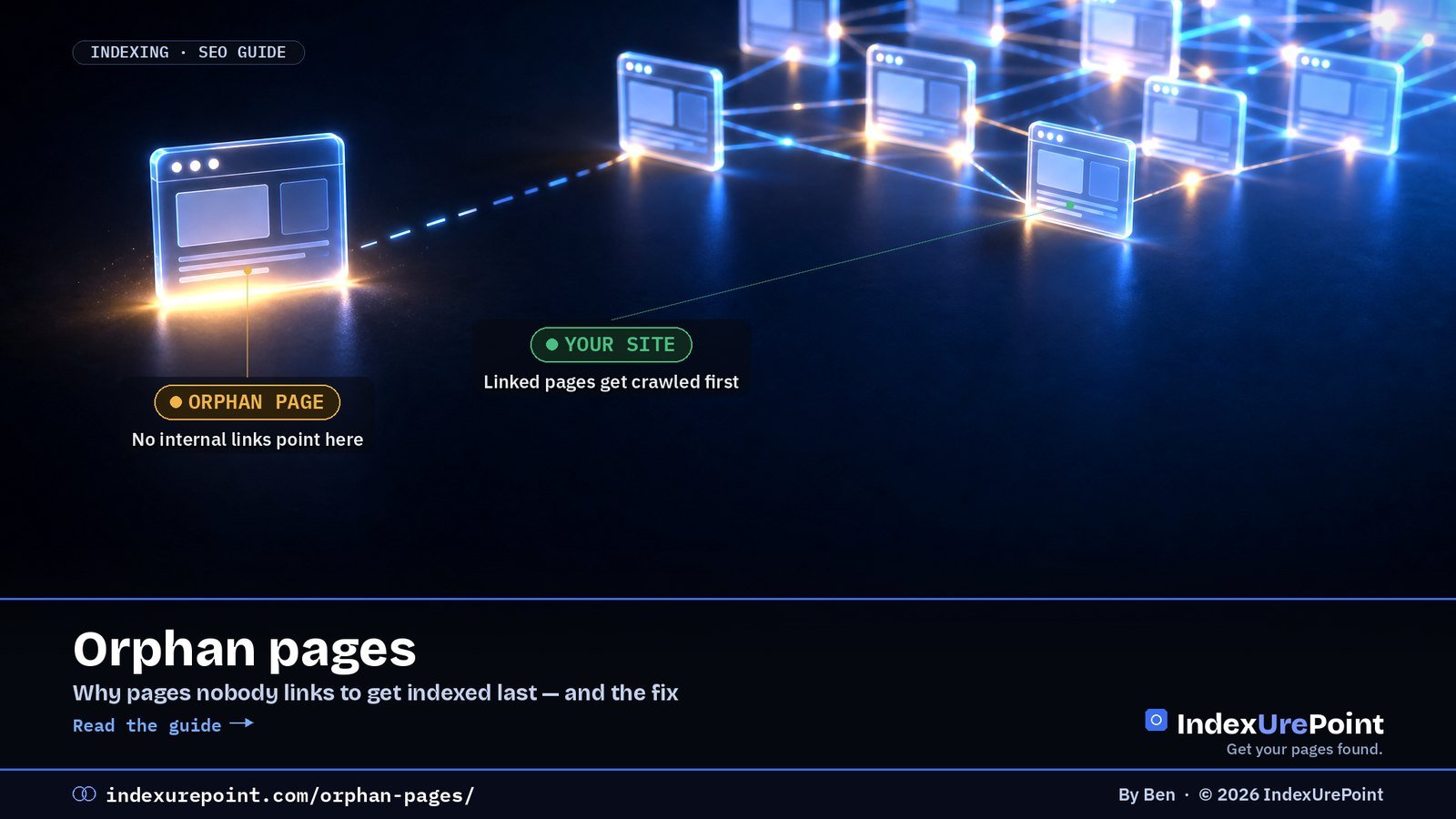
  • Orphan Pages: What They Are and How to Fix Them

    Orphan Pages: What They Are and How to Fix Them

    Crawling · Internal links

    An orphan page is a page no other page on your site links to: visitors cannot click their way there, search engines find it late through the sitemap at best, and it typically indexes last — the fix is simply linking to it.

    Key takeaways
    • Internal links are importance signals; a page with none looks dispensable even when the content is strong.
    • Orphans are a classic driver of “Discovered – currently not indexed”: known URL, never prioritised.
    • Find them by comparing your sitemap URL list with a crawl that follows links from the homepage.
    • A sitemap alone is discovery, not endorsement — it does not replace links.
    • Rule of thumb: every new page launches with at least one contextual link from an indexed page.
    How this was checked. Written against Google’s guidance on links and crawling.
    Short answer

    An orphan page is a page on your site that no other page links to. Visitors can’t click their way to it, and search engines can only find it through your sitemap or an outside link — so it’s often crawled late and indexed last.

    The fix is simple: link to it from relevant, already-indexed pages — or, if it’s not worth linking to, remove or redirect it.

    Why orphan pages hurt

    LINKED PAGE

    Easy to find

    Signals: crawled regularly, receives link value, clearly part of the site.

    ORPHAN PAGE

    Out on its own

    Signals: low priority, little link value, often stuck in Discovered – currently not indexed.

    Internal links tell Google what matters on your site. A page nothing links to looks unimportant, even if it’s your best work.

    How to find orphan pages

    • Compare two lists: all URLs in your XML sitemap versus all URLs a crawler finds by following links from your homepage. URLs in the first list but not the second are orphans.
    • Use a site crawler such as Screaming Frog, Sitebulb or Bing Webmaster Tools’ Site Scan, and connect it to your sitemap or Search Console data where supported.
    • Check Search Console: pages with impressions or in the indexing report that your crawl never reached.
    • Common culprits: old landing pages, pages removed from menus, tag pages, and posts only reachable through paginated archives.
    Orphan found Verdict Action
    Good page, just unlinked Keep 2–3 contextual links from related pages
    Outdated or duplicate Merge Consolidate + 301 to the stronger page
    Obsolete, no equivalent Remove 404/410 + drop from sitemap
    Utility page (thanks, filters) Exclude noindex; no links needed

    How to fix them

    • Worth keeping? Add contextual links from two or three related, indexed pages, and consider a hub or category page that links to the whole topic.
    • Outdated or duplicate? Merge it into a stronger page and 301-redirect it — see page with redirect.
    • Not needed at all? Delete it, return a 404 or 410, and remove it from the sitemap.
    Our take
    Every new page should launch with at least one link from an existing, indexed page. It’s the single most reliable way to speed up indexing — more reliable than any submit button.

    A worked example

    A typical case from our own audits: a site moves to a new menu, and twelve older guides drop out of it. They stay in the sitemap, so Search Console still knows them — but months later most sit in “Discovered – currently not indexed” or have slid down the rankings. The repair took an afternoon: each old guide got two contextual links from the newer articles that superseded parts of it, plus a place on a topic hub page. Within weeks the majority were recrawled. The lesson is that orphaning rarely happens on purpose; it happens when navigation changes and nobody checks what fell out. Make “what stopped being linked?” a standard question after every redesign.

    FAQ

    Can orphan pages still be indexed?

    Yes, if Google finds them through your sitemap or external links. But they tend to be crawled less often and are more likely to be left out.

    Is a sitemap enough to avoid orphan pages?

    No. A sitemap helps discovery, but it doesn’t give the page the importance signals that internal links do.

    How many internal links does a page need?

    There’s no magic number. A few relevant links from strong, related pages matter more than many links from unrelated ones.

    Do links in the footer or sidebar count?

    They help discovery, but contextual links in the main content are clearer signals of relevance.

    Are orphan pages bad for SEO overall?

    They dilute crawl attention and leave value stranded, but they are not a penalty. Each one is either a linking opportunity or cleanup.

    Can external backlinks save an orphan page?

    They help discovery and authority, but internal links remain the signal that the page belongs to your site’s structure. Do both.

    iP
    IndexUrePoint is an independent guide to getting your pages found and indexed — Google, Bing, and AI search. We test tools ourselves and say plainly when something doesn’t work. Spotted an error? Tell us via the contact page; we’ll fix it and note the date.

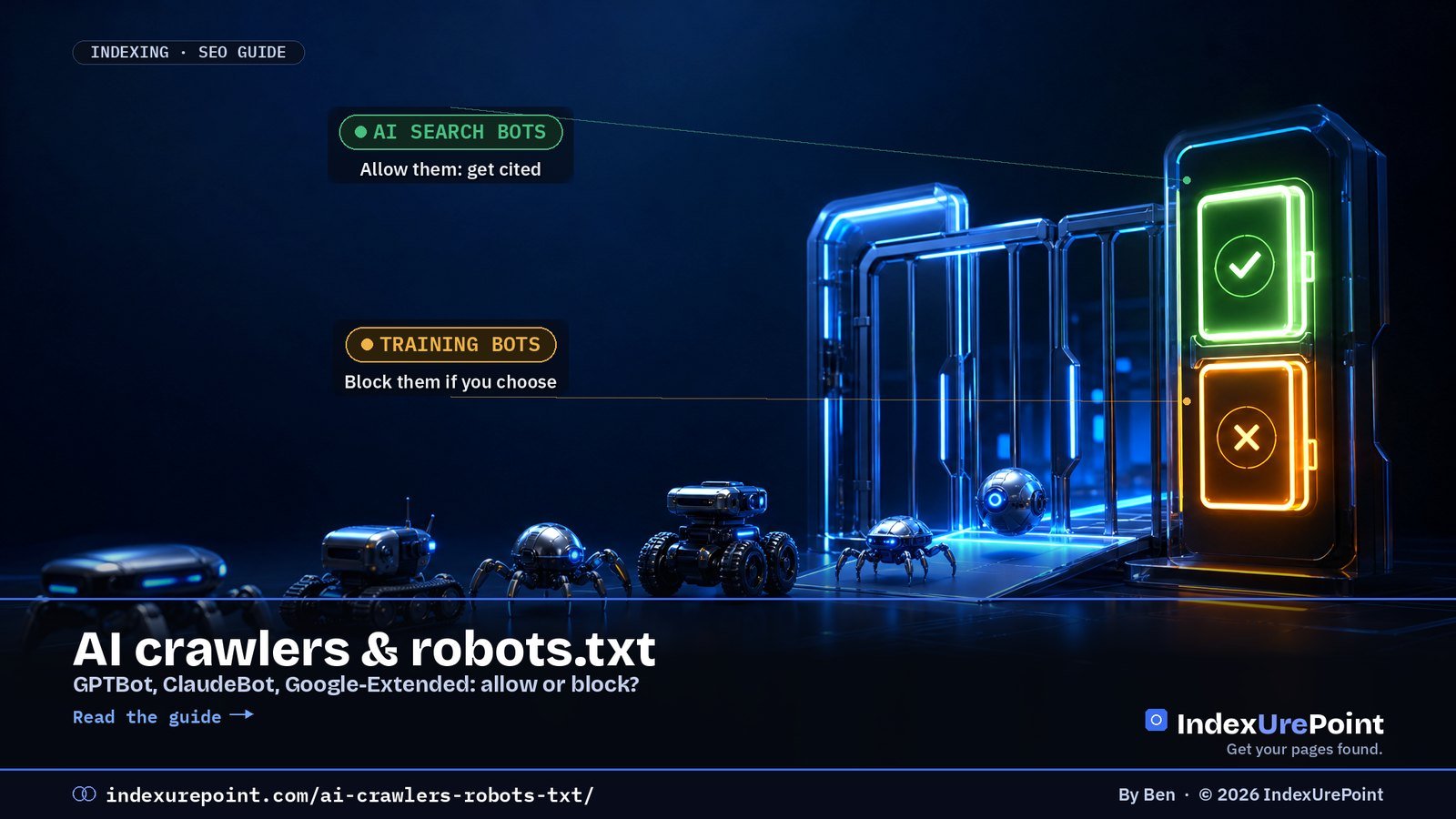
  • AI Crawlers and robots.txt: GPTBot, ClaudeBot and Google-Extended

    AI Crawlers and robots.txt: GPTBot, ClaudeBot and Google-Extended

    Lees deze gids in het Nederlands →

    AI Search · robots.txt

    AI companies run different crawlers for different jobs — training, search and user-initiated fetching — and robots.txt lets you allow or block each one separately: allow the search bots if you want citations, decide deliberately about the training bots.

    Key takeaways
    • Three roles per company: training (GPTBot, ClaudeBot), search (OAI-SearchBot, Claude-SearchBot, PerplexityBot) and user-fetch (ChatGPT-User, Claude-User).
    • Since OpenAI’s December 2025 documentation change, ChatGPT-User may not honour robots.txt — it acts as a proxy for a human request.
    • Google-Extended controls Gemini training and grounding in Gemini Apps and Vertex AI; Google states it is not a ranking signal and does not affect Search inclusion.
    • Blocking all AI bots also blocks AI search: you disappear from the answers, not just from training data.
    • robots.txt is a request, not a lock — documented crawlers comply, unknown scrapers may not.
    How this was checked. Written against Google’s documentation on its crawlers and Google-Extended, OpenAI’s crawler documentation (including its December 2025 revision), and the published user agents of Anthropic, Perplexity and Apple. Crawler lists change; we note the date.
    Short answer

    AI companies use different crawlers for different jobs: some collect training data, some fetch pages for AI search answers, some act on behalf of a user. You can allow or block each one separately in robots.txt.

    The smart default for most sites: allow the search crawlers (so you can be cited in AI answers), and decide deliberately about the training crawlers. Blocking everything also blocks you from AI search.

    The main AI crawlers (September 2026)

    • OpenAI: GPTBot collects training data. OAI-SearchBot surfaces sites in ChatGPT search. ChatGPT-User fetches pages when a user asks — and since OpenAI’s December 2025 documentation change, robots.txt rules may not apply to it.
    • Anthropic: ClaudeBot for training, Claude-SearchBot for search, Claude-User for user-initiated fetches.
    • Perplexity: PerplexityBot for its search index, Perplexity-User for user requests.
    • Google: Google-Extended (a control token, not a separate crawler) for Gemini training and grounding in Gemini Apps and Vertex AI.
    • Apple: Applebot-Extended controls use of content for Apple’s AI training.
    SEARCH CRAWLERS

    Usually allow

    Why: they decide whether you can be found and cited in AI answers.

    TRAINING CRAWLERS

    Your call

    Why: blocking them keeps your content out of future model training, with less direct effect on visibility.

    Crawler Company Role Blocking costs you
    GPTBot OpenAI Training Little visibility; keeps data out of models
    OAI-SearchBot OpenAI ChatGPT search ChatGPT citations
    ClaudeBot / Claude-SearchBot Anthropic Training / search Same split as OpenAI
    PerplexityBot Perplexity Search index Perplexity citations
    Google-Extended Google Gemini training token Nothing in Search
    Applebot-Extended Apple AI training control Nothing in Search

    Google-Extended explained

    Google-Extended controls whether content Google crawls may be used to train future Gemini models and for grounding in Gemini Apps and Vertex AI. Google states it does not affect your inclusion in Google Search and isn’t a ranking signal. AI Overviews are part of Search and rely on Googlebot, so blocking Google-Extended doesn’t take you out of them — see what is Googlebot. Since 31 August 2026 there is a separate switch for that: the Search generative AI control in Search Console lets you leave AI Overviews and AI Mode while staying in normal results — see AI Overviews in Search Console.

    Example robots.txt rules

    Allow AI search, block AI training:

    User-agent: GPTBot
    Disallow: /

    User-agent: ClaudeBot
    Disallow: /

    User-agent: Google-Extended
    Disallow: /

    User-agent: Applebot-Extended
    Disallow: /

    Search crawlers such as OAI-SearchBot, Claude-SearchBot and PerplexityBot are allowed by default when you don’t list them. Test any change in Search Console’s robots.txt report, and remember that robots.txt is a request, not a lock — see blocked by robots.txt.

    Our take
    IndexUrePoint allows all AI crawlers: we want to be cited. If you publish original work that’s your product — research, paid content — blocking training crawlers can make sense. Blocking AI search crawlers almost never does.

    What about llms.txt? It doesn’t allow or block anything — it only suggests which pages matter to AI agents. See what is llms.txt for who actually reads it.

    Real data from this site. Our host’s AI crawler log for 24 hours on 25 September 2026 showed 21 requests from known AI crawlers — 17 from GoogleOther and 4 from OAI-SearchBot — and none blocked. Testing with faked crawler user agents gave a very different (and misleading) picture; we explain why in our 403 guide.

    Check before you publish. Our free robots.txt tester shows in one click whether GPTBot, ClaudeBot, PerplexityBot and Googlebot are allowed or blocked by your rules.

    FAQ

    Does blocking GPTBot remove me from ChatGPT search?

    Not by itself. ChatGPT search uses OAI-SearchBot, which is controlled separately from GPTBot, OpenAI’s training crawler.

    Does blocking Google-Extended hurt my Google rankings?

    No. Google states Google-Extended does not affect inclusion in Search and is not a ranking signal.

    Do all AI bots respect robots.txt?

    The major companies’ documented crawlers do. User-initiated agents such as ChatGPT-User may not follow robots.txt in the same way, and unknown scrapers can ignore it entirely.

    How do I see which AI bots visit my site?

    Check your server logs or your CDN’s bot analytics for the user agents listed above.

    How do I write a robots.txt rule for one AI bot?

    Add a User-agent line with the bot’s exact name followed by Disallow: / to block it site-wide, or Disallow: /private/ for one section. List each bot separately.

    Do AI crawlers visit small sites at all?

    Yes. Server logs on modest sites routinely show GPTBot, ClaudeBot and PerplexityBot; volume scales with how often your content is referenced.

    iP
    IndexUrePoint is an independent guide to getting your pages found and indexed — Google, Bing, and AI search. We test tools ourselves and say plainly when something doesn’t work. Spotted an error? Tell us via the contact page; we’ll fix it and note the date.

  • The Google Indexing API: What It Is and Why Not to Misuse It

    The Google Indexing API: What It Is and Why Not to Misuse It

    Google · Indexing API

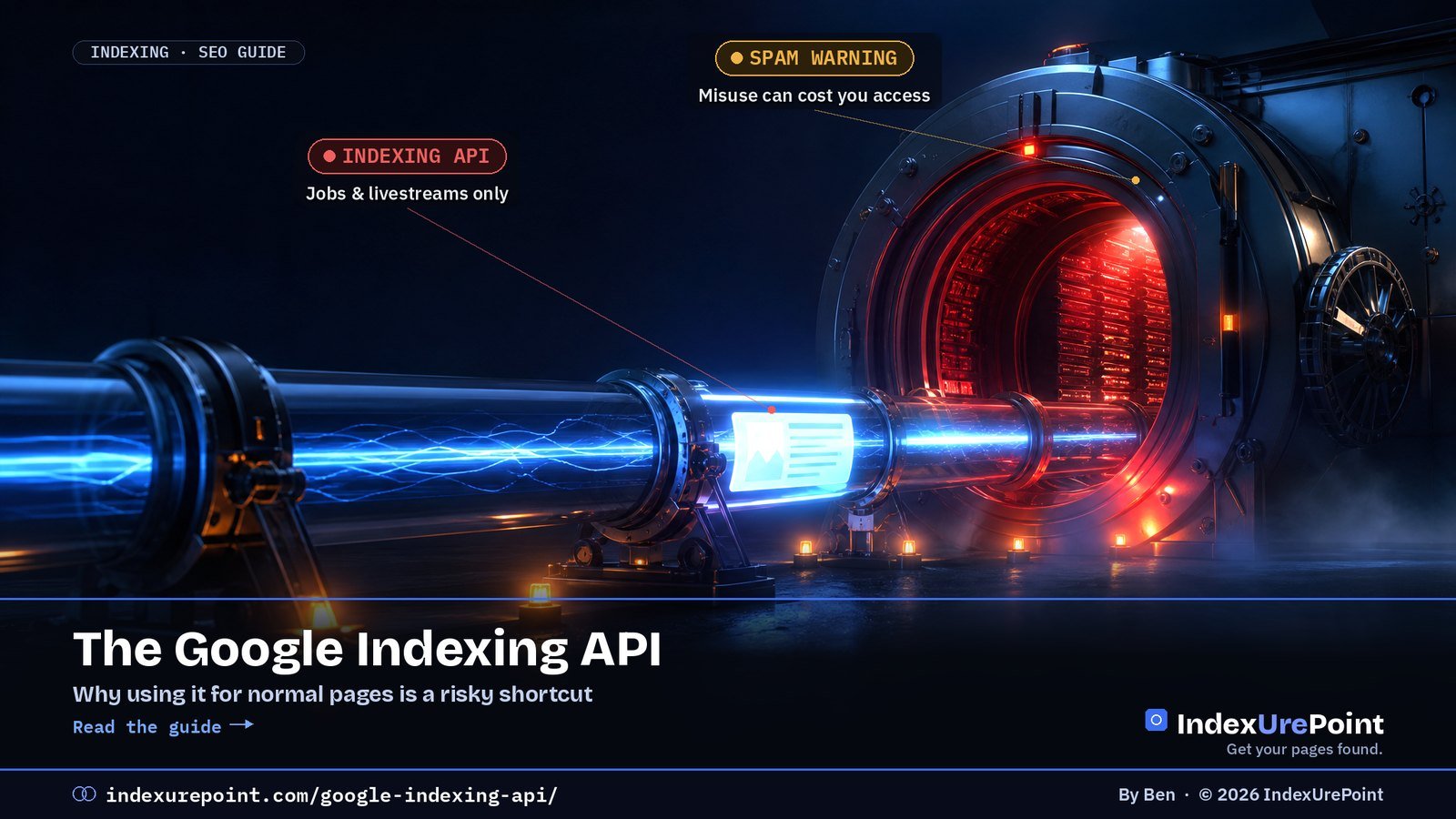
    The Google Indexing API lets a site tell Google directly that a page was added or removed — but officially only for JobPosting and livestream pages, and Google has attached an explicit spam warning for everything else.

    Key takeaways
    • Documented scope: JobPosting and BroadcastEvent pages only; ordinary posts are outside the rules.
    • It tempts because it works short-term: one r/TechSEO test (reviewed via our NotebookLM source analysis) saw 94% of API-pinged pages indexed within 48 hours versus 8.4% via the sitemap.
    • A crawl is not an index entry: pages Google judged thin stay out however often you ping.
    • Documented consequence of abuse: revoked API access; the deeper cost is not fixing why pages are declined.
    • The legitimate push protocol is IndexNow — for Bing and friends, not Google.
    How this was checked. Written against Google’s Indexing API documentation, including its usage guidelines and spam warning.
    Short answer

    The Google Indexing API lets a site notify Google directly when a page is added or removed. Officially, it’s only for pages with JobPosting or BroadcastEvent (livestream) structured data.

    Plenty of plugins and guides use it for ordinary blog posts. It can seem to work for a while, but it’s outside Google’s rules, Google has added an explicit spam warning, and it doesn’t fix the real reason pages aren’t indexed.

    What the Indexing API does

    It’s a programmatic way to tell Google “this URL was updated” or “this URL was deleted”, authenticated with a Google Cloud service account that’s an owner of your Search Console property. For job boards and livestream pages — content that changes or expires quickly — it gets Google to crawl sooner than a sitemap would.

    INTENDED USE

    Jobs & livestreams

    Pages with: JobPosting or BroadcastEvent embedded in a VideoObject. Short-lived content.

    COMMON MISUSE

    Everything else

    Pages like: blog posts, product pages, backlinks pushed through the API to “force” indexing.

    Indexing API (Google) IndexNow (Bing e.a.)
    Allowed content Job postings, livestreams Any page
    Engines Google Bing, Yandex, Naver, Seznam, Yep, Amazon
    Misuse risk Spam warning, access revoked None when used as intended
    Setup Cloud project + service account One plugin / key file

    Why people misuse it

    Because it sometimes triggers a fast crawl. Tutorials and “instant indexing” plugins spread the trick, and some paid indexing services are built on it. For a site owner watching pages sit in Discovered – currently not indexed, it’s tempting.

    The risk

    • It’s against the documented use. Google states the API is for job posting and livestream pages only.
    • Google added a spam warning. The documentation warns that abuse, including using multiple accounts or other means to exceed quotas, may lead to access being revoked.
    • A crawl isn’t indexing. Even when the API triggers a crawl, Google still decides whether the page is worth keeping. A page Google rejected for quality stays rejected.
    Our take
    If a page needs a back door to get indexed, the page — or the site’s trust — isn’t there yet. Fix the cause instead of gambling with a shortcut Google has explicitly warned about.

    What to do instead

    • Submit a clean sitemap and request indexing for key pages in Search Console — see how to submit your website to Google.
    • Link new pages from strong, already-indexed pages.
    • Use IndexNow for Bing — the legitimate, open “push” protocol. Google doesn’t support it, but Bing and others do: what is IndexNow.
    • Make the page worth keeping. Unique, useful content is what turns a crawl into an index entry.

    FAQ

    Can I use the Google Indexing API for blog posts?

    Not according to Google. The API is documented for JobPosting and BroadcastEvent pages only; using it for other content is outside the guidelines.

    What is the Indexing API quota?

    Each project gets a default daily quota for publish requests, visible in Google Cloud. Google warns against trying to exceed quotas with multiple accounts.

    Will Google penalise my site for using it?

    Google’s documented consequence is revoking API access. Beyond that, relying on it doesn’t address why pages aren’t indexed, which is the bigger problem.

    Is IndexNow the same as the Indexing API?

    No. IndexNow is an open protocol used by Bing, Yandex and others for any kind of page. Google doesn’t use IndexNow.

    Why do “instant indexing” plugins use the Indexing API?

    Because it can trigger a fast crawl. Speed is real; permission is not. The documented scope excludes normal posts, and Google warns against abuse.

    I used the Indexing API for blog posts. Should I worry?

    Stop using it for out-of-scope content and build the legitimate signals instead. Google’s documented sanction is revoking API access.

    iP
    IndexUrePoint is an independent guide to getting your pages found and indexed — Google, Bing, and AI search. We test tools ourselves and say plainly when something doesn’t work. Spotted an error? Tell us via the contact page; we’ll fix it and note the date.

  • AEO vs GEO: Answer Engine Optimization Explained

    AEO vs GEO: Answer Engine Optimization Explained

    AI Search · AEO · GEO

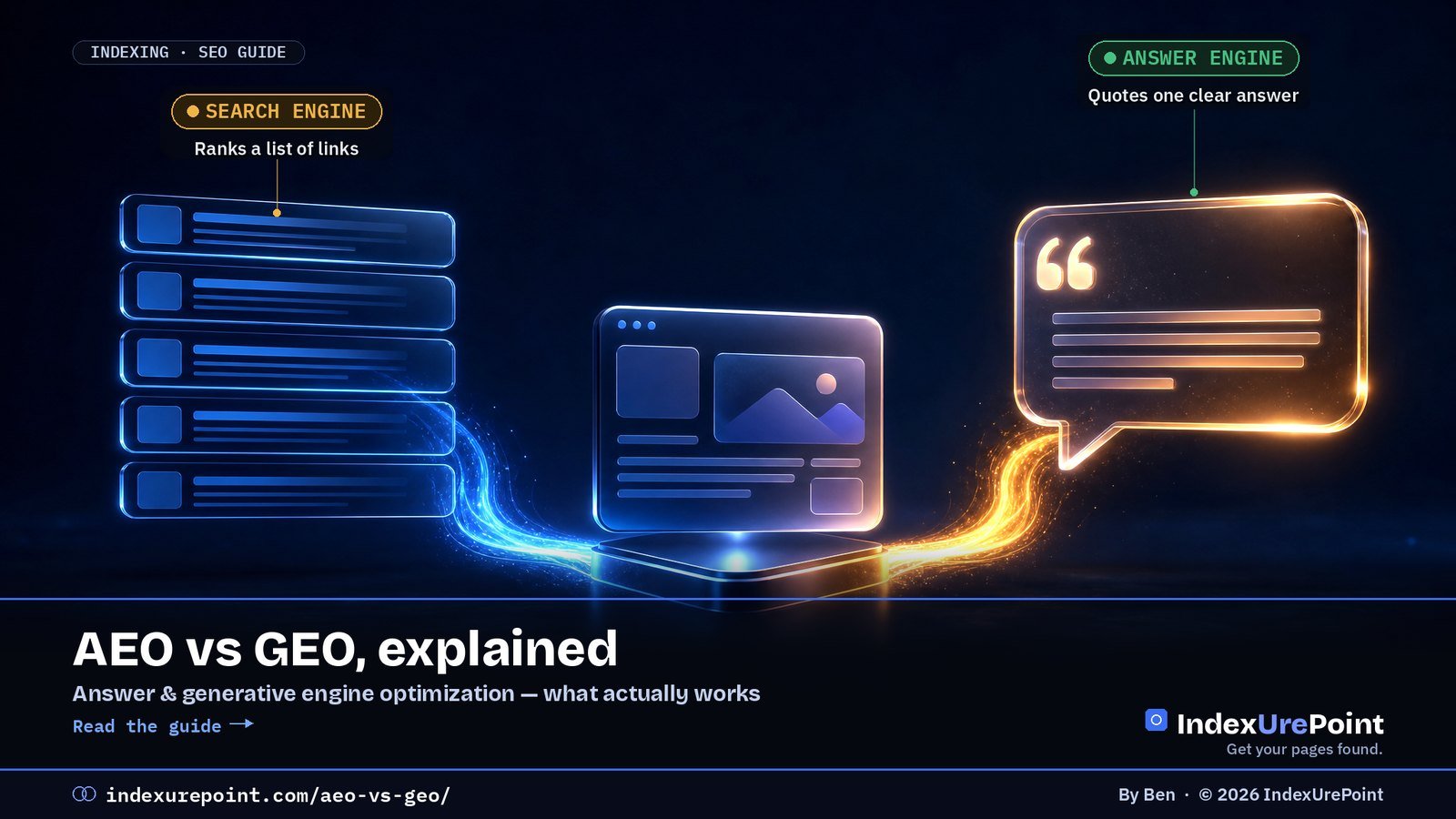
    AEO (answer engine optimization) and GEO (generative engine optimization) are two names for the same goal: getting your content used and cited in AI-generated answers — and the foundation under both is ordinary indexing.

    Key takeaways
    • AEO is the older, broader term; GEO stresses generative AI. The practical work is identical.
    • US search demand: “answer engine optimization” ~2,400/mo and rising; “generative engine optimization” ~4,400/mo but falling (DataForSEO, Sept 2026).
    • Bing matters disproportionately: 87% of ChatGPT search citations matched Bing’s top results in Seer’s 100-query study.
    • The core levers: direct answers up front, specifics over adjectives, visible authorship, clean schema, and letting AI search crawlers in.
    • Beware “secret GEO tactics” sellers: the measurable levers are ordinary SEO with sharper answers.
    How this was checked. Written against Google’s guidance on AI features in Search and our own work making this site citable in AI answers. The terminology is new and loosely used; we say where definitions differ.
    Short answer

    AEO (answer engine optimization) and GEO (generative engine optimization) are two names for the same goal: getting your content picked up and cited in AI-generated answers — Google AI Overviews, ChatGPT, Perplexity, Copilot.

    AEO is the older term (from featured snippets and voice assistants); GEO emphasises generative AI. In practice the work is identical: be indexed, answer questions directly, and be trustworthy enough to quote.

    AEO vs GEO vs SEO

    AEO

    Answer engine optimization

    Focus: being the answer — featured snippets, voice assistants, and now AI answers.

    GEO

    Generative engine optimization

    Focus: being cited or mentioned by large language models in generated answers.

    SEO is the foundation under both. AI answers are built on pages that search engines have already crawled and indexed; if you’re not indexed, no amount of AEO or GEO helps. That’s why this site treats getting indexed as step zero.

    SEO AEO / GEO
    Goal Rank a page in results Be the quoted answer
    Unit of success Position & clicks Citations & mentions
    Key structure Titles, headings, links Question H2s + first-two-sentence answers
    Measurement GSC Performance Bing AI Performance, AI referrals, spot checks
    Foundation Crawled, indexed, trustworthy pages

    What the work actually is

    • Be indexed in Google and Bing. Google’s AI Overviews build on Google’s index; Microsoft Copilot builds on Bing. Set up Bing Webmaster Tools and IndexNow, not just Search Console.
    • Answer first. Put the direct answer in the first two sentences under a question-style heading. Models lift clear, self-contained sentences.
    • Be specific. Concrete steps, named tools, exact labels and sourced facts are more quotable than generalities.
    • Show who’s behind it. A consistent brand, a clear about page and first-hand experience signal trust.
    • Use clean structured data. Article and FAQ schema help machines parse the page.
    • Let the right crawlers in. Blocking AI search crawlers opts you out of their answers — see AI crawlers and robots.txt.
    Our take
    Be wary of anyone selling AEO or GEO as a separate discipline with secret tactics. The practical difference from good SEO is emphasis: clearer answers, more specifics, and making sure Bing — not just Google — can index you. Our deeper playbook: how to get cited in AI search.

    How to measure it

    • Bing Webmaster Tools → AI Performance (beta) shows visibility in Microsoft’s AI experiences.
    • Google Search Console includes AI Overview appearances in the regular Performance data, without a separate filter.
    • Referral traffic from chatgpt.com, perplexity.ai and copilot in your analytics shows real visits from AI answers.
    • Manual spot checks: ask the assistants your target questions and note whether you’re cited.

    Where to measure it. For Google, the Generative AI report in Search Console shows impressions in AI Overviews and AI Mode: how to read it.

    FAQ

    Is AEO the same as GEO?

    In practice, yes. Both aim to get your content used in AI-generated answers. AEO is the older, broader term; GEO focuses on generative AI specifically.

    Does AEO replace SEO?

    No. AI answers depend on crawled and indexed pages, so SEO remains the foundation. AEO and GEO shift the emphasis toward direct, quotable answers.

    Do I need llms.txt for GEO?

    It’s optional. llms.txt is a proposed file listing your key content for AI tools; it’s cheap to add, but no major assistant has confirmed it as a ranking factor.

    How long does it take to get cited in AI answers?

    Once a page is indexed and clearly answers a question, it can be cited quickly — but citations fluctuate. Consistent, specific, trustworthy content is what keeps you there.

    Which term should I use, AEO or GEO?

    They describe the same practice. AEO predates generative AI (featured snippets, voice); GEO arrived with LLM answers. Search data shows AEO rising and GEO falling as the label.

    Can a brand-new site get cited in AI answers?

    Yes, once indexed — assistants favour clear, specific, current answers, and small sites that publish them do get cited. Indexing speed is usually the bottleneck.

    iP
    IndexUrePoint is an independent guide to getting your pages found and indexed — Google, Bing, and AI search. We test tools ourselves and say plainly when something doesn’t work. Spotted an error? Tell us via the contact page; we’ll fix it and note the date.

  • What Is Googlebot? Smartphone, Image & Video Crawlers Explained

    What Is Googlebot? Smartphone, Image & Video Crawlers Explained

    Crawling · Googlebot

    Googlebot is Google’s web crawler: the program that discovers URLs, fetches your pages, renders them with an up-to-date Chrome engine and hands the result to Google’s indexing systems — if it cannot fetch or render a page, that page cannot rank.

    Key takeaways
    • “Googlebot” is two crawlers, Googlebot Smartphone and Googlebot Desktop, and most crawl requests come from the smartphone one. Both obey the same robots.txt token, so you cannot block one without the other.
    • For Google Search, Googlebot reads only the first 2 MB of an HTML or other supported file (64 MB for a PDF). The often-quoted 15 MB is the general default for all Google crawlers, not Googlebot’s Search limit.
    • Googlebot Image (Googlebot-Image/1.0) feeds Google Images, Discover and every Search feature that shows images, logos or favicons; Googlebot Video (Googlebot-Video/1.0) feeds video features.
    • Googlebot News has no user-agent string of its own: it crawls with the normal Googlebot user agents and only exists as a robots.txt token.
    • Anyone can fake the Googlebot user agent: verify with a reverse and forward DNS lookup, or against Google’s published IP-range files, before you block or whitelist.
    How this was checked. Every crawler fact on this page was re-read on 17 October 2026 in Google’s own documentation: Googlebot (last updated 3 February 2026), Google’s common crawlers (15 October 2026), verifying Google’s crawlers (20 March 2026) and reducing the crawl rate (6 October 2026).
    Short answer

    Googlebot is Google’s web crawler: the program that fetches pages so Google can index them. Today it mostly crawls as a smartphone, renders JavaScript with an up-to-date Chrome engine, and follows the rules in your robots.txt.

    Next to the main crawler, Googlebot Image and Googlebot Video fetch images and videos for their own Search features. If Googlebot can’t fetch or render a page, it can’t be indexed, so most “not indexed” problems start with checking what Googlebot actually sees.

    How does Googlebot work?

    • Discover. Googlebot finds URLs through links, sitemaps and previously known pages.
    • Crawl. It fetches the page, respecting robots.txt and adjusting its speed to how fast and healthy your server is.
    • Render. It runs the page’s JavaScript in an evergreen Chromium, so content loaded by scripts can be seen — if the scripts work for Googlebot.
    • Hand over for indexing. The rendered content goes to Google’s indexing systems, which decide whether to keep it.
    The 2 MB limit
    When crawling for Google Search, Googlebot crawls the first 2 MB of a supported file type and the first 64 MB of a PDF, measured uncompressed. Every CSS and JavaScript file is fetched separately under the same limit. Content beyond the cut-off is not indexed, so keep important text and links high in very long pages.

    What are Googlebot Smartphone and Googlebot Desktop?

    Googlebot is the generic name for two crawlers: Googlebot Smartphone, which simulates a user on a mobile device, and Googlebot Desktop, which simulates a desktop user. Google states that the majority of crawl requests are made with the mobile crawler and a minority with the desktop one, because Google indexes the mobile version of your site.

    Both crawlers obey the same robots.txt token, Googlebot. You cannot allow the smartphone crawler and block the desktop crawler, or the other way round. In URL Inspection, the “Crawled as” line tells you which one fetched the page; for most sites it says Googlebot smartphone.

    Mobile-first in practice
    If content, links or structured data exist only on the desktop version of a page, Google may not see them. Check the mobile rendering first when a page is missing from the index.

    What does Googlebot Image crawl?

    Googlebot Image fetches image files for Google Images and for every Search feature that shows a picture. Its user-agent string is Googlebot-Image/1.0, and it listens to the robots.txt tokens Googlebot-Image or, failing a specific group, Googlebot.

    Blocking it reaches further than most people expect. According to Google’s crawler list, it affects Google Images, Discover, Video mode and all features in Google Search where images, logos and favicons are shown. Block it on your whole site and your favicon and article thumbnails can disappear from results.

    # Keep one folder of images out of Google Images, allow everything else
    User-agent: Googlebot-Image
    Disallow: /private-images/

    To get credit for the images you do want shown, the metadata matters as much as access: see image metadata SEO.

    What does Googlebot Video crawl?

    Googlebot Video fetches video files and video-related content for Google Search. Its user-agent string is Googlebot-Video/1.0; it obeys the tokens Googlebot-Video or Googlebot. Google says blocking it affects video-related Search features and other products that depend on videos.

    A page can be indexed while its video is not: Googlebot reads the page, Googlebot Video fetches the file. If your video never gets a video result, check that the video file itself is not blocked by robots.txt or a firewall rule that only lets the main Googlebot through.

    # Keep raw video files out of video features
    User-agent: Googlebot-Video
    Disallow: /media/raw/

    Is there a separate Googlebot News crawler?

    Not as a separate visitor. Google writes that Googlebot-News has no HTTP user-agent string of its own: crawling is done with the normal Googlebot user agents. Googlebot-News exists only as a robots.txt token. Blocking it affects Google News (news.google.com and the Google News app), not regular Search.

    Which crawlers belong to the Googlebot family?

    Several Google crawlers and tokens look alike but do different jobs. The table lists what each one controls and what happens in Search if you block it.

    Crawler / token User-agent string Job Blocking it affects
    Googlebot Smartphone …Mobile Safari/537.36 (compatible; Googlebot/2.1; +http://www.google.com/bot.html) Most Search crawling Search, Discover, Images, Video mode, News
    Googlebot Desktop …(KHTML, like Gecko; compatible; Googlebot/2.1; +http://www.google.com/bot.html) Chrome/W.X.Y.Z Safari/537.36 A minority of Search crawling Same token as smartphone
    Googlebot-Image Googlebot-Image/1.0 Image files Google Images, Discover, image/logo/favicon features
    Googlebot-Video Googlebot-Video/1.0 Video files Video features in Search
    Googlebot-News None (uses Googlebot strings) robots.txt token only Google News
    Google-InspectionTool Google-InspectionTool/1.0 URL Inspection, Rich Results Test Nothing in Search
    Google-Extended None Token for Gemini training and grounding Nothing in Search; not a ranking signal

    W.X.Y.Z stands for the current Chrome version, which changes over time; Google advises using a wildcard when you filter logs. Blocking Google-Extended does not hurt your Search rankings. More on that trade-off in our guide to AI crawlers and robots.txt, and on testing your rules in the robots.txt tester.

    How do you see what Googlebot sees?

    • URL Inspection → Test live URL → View tested page. Shows the rendered HTML, a screenshot and any resources that failed to load. This test is run by Google-InspectionTool, so a firewall that only trusts the Googlebot user agent can make the live test fail while real crawling works.
    • Crawl stats report (Settings in Search Console). Shows how often Googlebot visits, response times and errors — the best way to spot server problems.
    • Server logs. The ground truth of which URLs Googlebot requests, and how often.

    If the rendered page looks right but the URL is still missing, work through how to check if a page is indexed and then crawled vs. discovered — currently not indexed.

    How do you find Googlebot in your server logs?

    Filter your access log on the string Googlebot, then verify the IP addresses before you trust the result. A quick first pass on a standard Apache or Nginx log:

    grep -i "googlebot" access.log | awk '{print $1}' | sort | uniq -c | sort -rn | head

    That lists the IPs claiming to be Googlebot, busiest first. Check the top ones with the DNS test below. Look at which URLs real Googlebot requests most: if it spends its visits on parameter URLs or redirects, that is where your crawl budget goes.

    Real or fake Googlebot?

    Anyone can put “Googlebot” in a user-agent string, and scrapers often do. Google describes two ways to verify:

    • DNS check. Run a reverse DNS lookup on the IP. A real Google crawler resolves to a host in googlebot.com, google.com or googleusercontent.com (Googlebot itself looks like crawl-66-249-66-1.googlebot.com). Then run a forward lookup on that hostname and confirm it returns the same IP.
    • IP-range check. Compare the IP with Google’s published JSON files: common-crawlers.json for Googlebot, plus special-crawlers.json and user-triggered-fetchers.json for other Google agents. The old googlebot.json address now redirects to common-crawlers.json.
    host 66.249.66.1
    host crawl-66-249-66-1.googlebot.com
    Our take
    Don’t block unknown bots blindly with a firewall rule that also catches Googlebot — it’s one of the most common hidden causes of “Couldn’t fetch” and pages dropping out. Verify first, then block. A rule that returns 403 Forbidden to Googlebot shows up in Search Console as exactly that.

    How often does Googlebot come back? There’s no fixed schedule; it depends on demand and your server. Details and real numbers in how often Google crawls a site.

    FAQ

    How often does Googlebot crawl my site?

    It depends on your site’s size, popularity, how often it changes and how fast your server responds. The Crawl stats report shows the actual numbers.

    Can I make Googlebot crawl faster?

    Not directly; Google does not take requests for a higher crawl rate. Fast, error-free servers, strong internal links and fresh, useful content encourage more crawling. The manual crawl-rate limiter in Search Console was retired on 8 January 2024.

    Can I slow Googlebot down?

    In an emergency, return 500, 503 or 429 status codes: Google lowers the crawl rate for the whole hostname and raises it again once the errors stop. Don’t keep it up for more than a day or two, or URLs may be dropped from the index.

    What is the difference between Googlebot and Googlebot Image?

    Googlebot fetches pages for Search; Googlebot Image (Googlebot-Image/1.0) fetches the image files for Google Images, Discover and image features such as logos and favicons. You can block one folder for Googlebot-Image without touching page crawling.

    What does Googlebot Video do?

    Googlebot Video (Googlebot-Video/1.0) fetches video files for video-related features in Google Search. A page can be indexed while its video isn’t, if the video file is blocked.

    Does Googlebot follow nofollow links?

    Google treats nofollow as a hint. It may still discover URLs through them, but they don’t pass ranking signals in the normal way.

    What user agent does Googlebot use?

    The smartphone crawler identifies as Googlebot/2.1 inside a mobile Chrome string; the desktop crawler uses a desktop Chrome string with the same Googlebot/2.1 part. Treat the user agent as a claim: verify the IP via DNS before trusting it.

    Does Googlebot accept cookies or log in?

    It crawls stateless: no logins, no filled forms. Anything behind authentication is invisible to Search, which is also the reliable way to keep content private.

    iP
    IndexUrePoint is an independent guide to getting your pages found and indexed — Google, Bing, and AI search. We test tools ourselves and say plainly when something doesn’t work. Spotted an error? Tell us via the contact page; we’ll fix it and note the date.