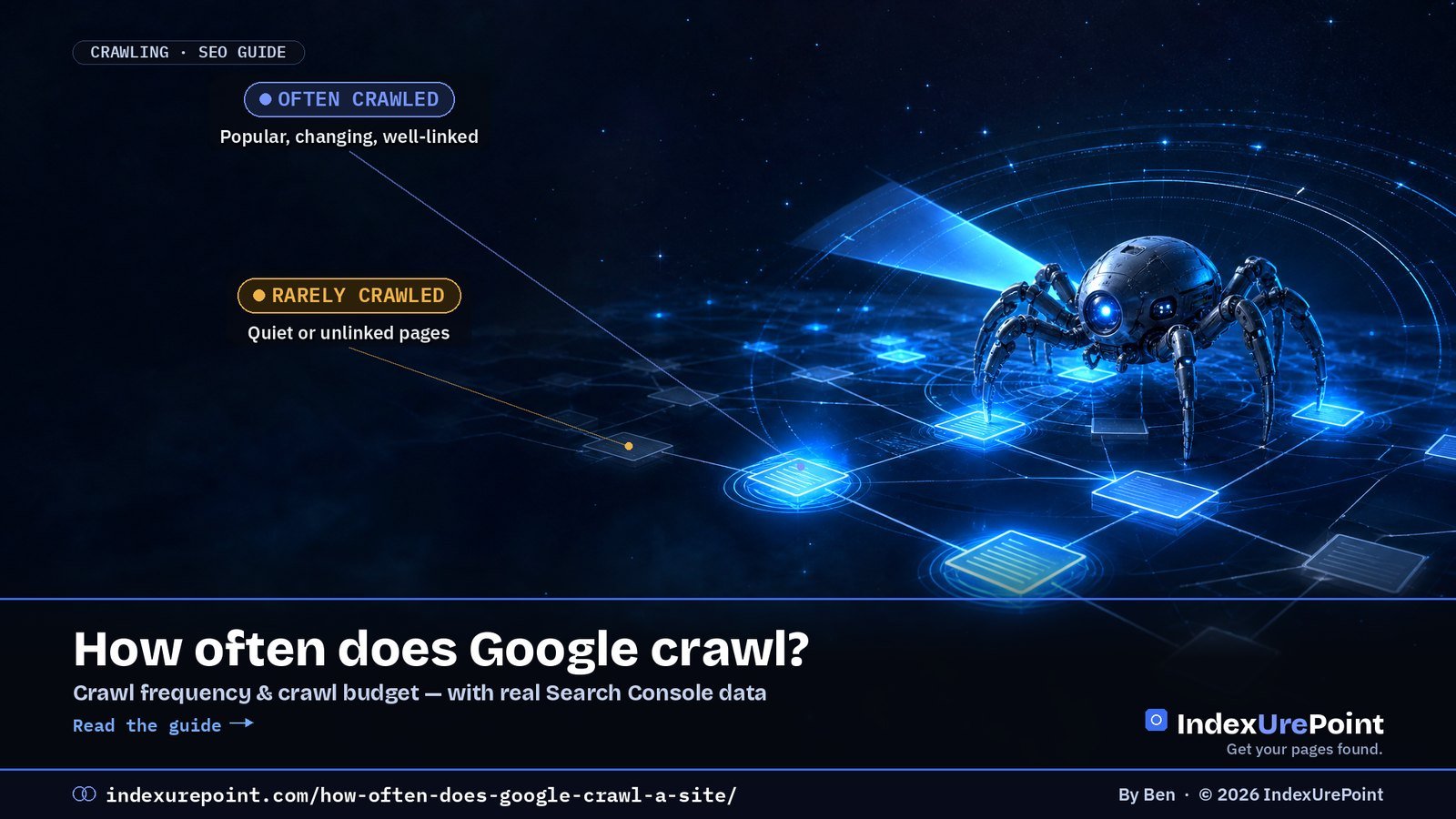
Google has no fixed crawl schedule: it recrawls each URL as often as it thinks the page changes and matters, within what your server can handle. Popular, frequently updated pages can be fetched several times a day; quiet pages on small sites may wait weeks. For sites under about 10,000 pages, crawl budget is almost never the problem.
- Google decides crawling per URL, not per site, based on crawl demand (popularity, staleness, known URLs) and crawl capacity (how fast and reliably your server responds).
- Google says crawl budget matters mainly for sites with 1 million+ pages changing weekly, or 10,000+ pages changing daily (Google).
- After a recrawl request, crawling “can take anywhere from a few days to a few weeks”, and repeating the request doesn’t speed it up (Google).
- Our own brand-new site: Googlebot made 192 requests in its first two reported days, with an average response time of 298 ms — and 8 of 9 new guides were indexed within a day.
- Server errors (5xx) and rate-limit responses (429) make Google crawl less; fast, stable responses let it crawl more.
How often does Google crawl a site?
What decides crawl frequency?
What is crawl budget — and do you need to care?
Real data: how Google crawled a new site
How do you see when Google last crawled?
How do you get crawled more often?
What goes wrong?
FAQ
How often does Google crawl a site?
There is no single number, because Google doesn’t crawl “a site” on a timer. Its crawler keeps a queue of known URLs and decides for each one when it’s worth fetching again. Your homepage and a page that changes daily may be fetched several times a day; a two-year-old article that never changes may be revisited only every few weeks or months.
Figures like “every three to four weeks” that circulate online are averages from specific sites, not Google policy. The honest answer is: as often as Google thinks a page has changed and is worth refreshing, limited by how much your server can take.
What decides how often Google crawls your pages?
Google’s crawl budget documentation names two forces.
How much Google wants to crawl
Driven by: perceived inventory (how many URLs it knows), popularity, staleness (how often pages change) and site-wide events like a site move.
How much your server can take
Driven by: crawl health — response time, time to first byte, server errors and rate-limiting signals — plus Google’s own resource limits.
In practice that translates into a handful of levers:
- Popularity: pages with more links pointing to them — from other sites and from your own pages — are crawled more.
- Change frequency: Google learns how often a URL actually changes. Updating a date without changing content doesn’t fool it for long.
- Server health: Google says that when a site responds with 5xx errors or 429 rate-limit signals, “the limit goes down and Google crawls less”.
- URL inventory: thousands of duplicate, filtered or low-value URLs dilute the attention your important pages get.
What is crawl budget — and do you need to care?
Crawl budget is the combination of those two forces: the set of URLs Google can and wants to crawl on your site in a given period. Google is direct about who should worry about it:
| Your site | Crawl budget a real concern? | Focus on instead |
|---|---|---|
| 1 million+ pages, content changing weekly | Yes | URL inventory, server speed, sitemaps |
| 10,000+ pages, content changing daily | Yes | Same, plus fast discovery of new URLs |
| Many URLs stuck in “Discovered – currently not indexed” | Possibly | Quality and internal linking first |
| A blog or business site under a few thousand pages | No | Content quality, internal links, indexing issues |
Google’s Crawl Stats help page says the same: “If you have a site with fewer than a thousand pages, you should not need to use this report or worry about this level of crawling detail.” If your small site has pages that aren’t indexed, the cause is almost always quality, duplication or missing links — see crawled vs. discovered – currently not indexed and why Google isn’t indexing your site.
Real data: how Google crawled a brand-new site
indexurepoint.com went live in September 2026. This is what Search Console’s Crawl Stats report showed on 25 September, covering the first two days it reported (23–24 September):
| Metric | Value |
|---|---|
| Total crawl requests | 192 |
| Total download size | 5.31 MB |
| Average response time | 298 ms |
| Host status | No problems in the last 90 days |
| By response | 200 OK 94% · 404 5% · 301 1% |
| By purpose | Refresh 67% · Discovery 33% |
| By file type | HTML 45% · JavaScript 22% · Image 11% · CSS 7% · Syndication (feeds) 5% |
| By Googlebot type | Other agent type 32% · Smartphone 24% · Page resource load 22% · Image 12% · Desktop 10% |
Three things stand out. First, only 45% of requests were for HTML pages: the rest were scripts, images, CSS and feeds that Google needs to render pages. Second, two-thirds of requests were refreshes of URLs Google already knew — even on a site a few days old. Third, the URL Inspection records show how quickly new pages were picked up: guides we published on 24 September were crawled between 03:57 and 09:35 the next morning, and by that afternoon eight of the nine were indexed. Each was linked from other pages on the site and listed in the sitemap; details in how long Google takes to index.
The 5% of 404s are worth a look on any site: check which URLs they are, then either fix the links pointing to them or confirm the pages are meant to be gone. On a small site it’s harmless; on a large one, those wasted requests add up.
How do you see when Google last crawled your site?
- One page: URL Inspection in Search Console shows “Last crawl” with date and time, plus whether it was crawled as smartphone or desktop. See how to check if a page is indexed.
- The whole site: Settings → Crawl stats shows requests per day, response times, status codes, file types and Googlebot types for the last 90 days.
- Every request: your server’s access logs list each Googlebot visit with a timestamp. Verify real Googlebot by reverse DNS or Google’s published IP ranges, since user agents can be faked.
How do you get Google to crawl your site more often?
- Link new pages from strong existing pages. Internal links are how Google finds and prioritises URLs; pages nobody links to are crawled last — see orphan pages.
- Keep your XML sitemap accurate, with only indexable URLs and a real lastmod date when content changes.
- Make the server fast and stable. Google’s documentation lists improving load speed and supporting 304 Not Modified caching among its best practices.
- Clean up your URL inventory: consolidate duplicates, return 404 or 410 for pages that are gone, fix soft 404s and avoid redirect chains.
- Update content for real. Pages that genuinely change get refreshed more often.
- Request indexing sparingly for key new or changed pages. There is a daily quota, and repeating a request doesn’t make it faster.
- For Bing, use IndexNow to push changes instantly. Google doesn’t support it.
What goes wrong with crawling?
- Blaming crawl budget on a small site. With a few hundred pages, “crawled but not indexed” is a quality or duplication signal, not a budget problem.
- Parameter and filter URLs. Faceted navigation can create endless URL combinations that soak up crawling; a r/TechSEO thread titled “Google prioritizing crawl budget on filtered URLs” describes this pattern. Block or consolidate them.
- Slow or failing servers. Timeouts and 5xx errors make Google back off.
- A failing robots.txt. If robots.txt returns neither a valid file nor a 404, Google says it will slow or stop crawling until it gets an acceptable response.
- Redirect chains. Every hop is another request; point links straight at the final URL — see page with redirect.
- Spamming “Request indexing”. It hits the quota and changes nothing.
For most sites, “how often does Google crawl me?” is the wrong worry. Google sent nearly a hundred requests a day to our week-old site and indexed new pages overnight — because they were linked, fast and worth indexing. Fix those three things before you think about crawl budget.
Crawl requests failing with 403? Then Google can’t crawl those pages at all. See blocked due to access forbidden (403).
FAQ
How often does Google crawl a website?
There is no fixed schedule. Google recrawls each URL based on how popular it is and how often it changes, limited by your server’s capacity. Important pages can be crawled daily or more; rarely changed pages may wait weeks.
How do I check when Google last crawled my page?
Use URL Inspection in Google Search Console. It shows the last crawl date and time and whether the page was crawled as smartphone or desktop.
How long after requesting indexing does Google crawl?
Google says crawling can take anywhere from a few days to a few weeks. Requesting it again for the same URL won’t make it faster.
Do small websites need to worry about crawl budget?
Usually not. Google says crawl budget mainly matters for sites with over a million pages changing weekly or over 10,000 pages changing daily.
Can I make Google crawl my site faster?
Indirectly: link new pages from indexed pages, keep your sitemap accurate, make your server fast and reliable, and remove duplicate or broken URLs.
Does Google support the crawl-delay directive?
No. Googlebot ignores crawl-delay in robots.txt. If Google is overloading your server, temporarily returning 503 or 429 responses makes it slow down.
What does “refresh” vs “discovery” mean in Crawl Stats?
Discovery means Google requested a URL it had never crawled before. Refresh means it recrawled a URL it already knew.
Is crawl frequency a ranking factor?
No. Being crawled more often doesn’t raise rankings; it only means Google sees your changes sooner.