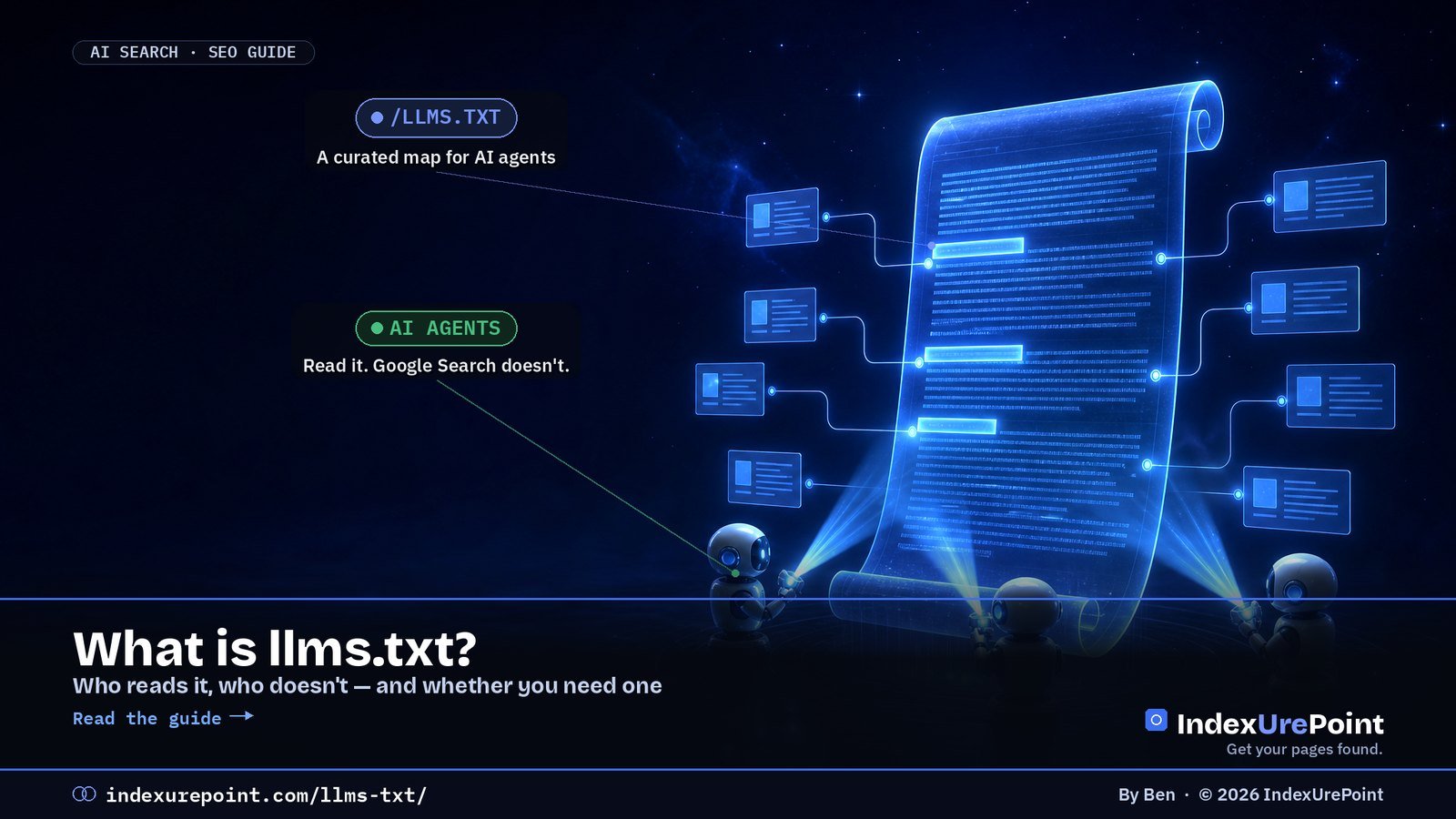
llms.txt is a Markdown file at the root of a website that gives AI agents a short, curated map of its most important pages. It is a proposal, not a standard: Google Search says it doesn’t use it, Chrome’s Lighthouse now checks for it, and it helps agents far more than it helps rankings.
- Proposed by Jeremy Howard of Answer.AI on 3 September 2024 at llmstxt.org. Only one element is required: an H1 with the site’s name.
- Google’s AI optimization guide says you don’t need llms.txt to appear in Google Search or its AI features, “as Google Search itself doesn’t use them”.
- Chrome’s Lighthouse 13.3 added an llms.txt audit for agent readiness. A missing file scores N/A; only a server error fails.
- Documentation sites from Anthropic, OpenAI, Google and Perplexity all serve one — we checked all four on 25 September 2026.
- Google’s John Mueller has said it can make sense to noindex the file so it doesn’t show up in search results. We serve ours with an X-Robots-Tag: noindex header.
What is llms.txt?
What does the format look like?
Who actually uses llms.txt?
How is it different from robots.txt and a sitemap?
Do you need one?
How do you create one?
What goes wrong?
FAQ
What is llms.txt?
llms.txt is a plain-text file written in Markdown and served at /llms.txt, the same place robots.txt lives. It gives a language model or AI agent a compact summary of what a site is about and a list of links to the pages that matter, so the agent doesn’t have to wade through navigation, scripts and ads to work that out.
The proposal was published by Jeremy Howard of Answer.AI on 3 September 2024. Its core idea is stated plainly: the file “stays small enough to fit in context”, and the detail “lives behind the links”. It is a community proposal — not a W3C, IETF or search-engine standard — and nobody is obliged to read it.
What does the llms.txt format look like?
The specification defines a fixed order, so the file can be read by a person, a model or a simple parser:
- H1 with the site or project name — the only required element.
- A blockquote with a short summary containing the key information needed to understand the rest.
- Optional paragraphs or lists (no headings) with more detail on how to interpret the site.
- H2 sections with “file lists”: each entry is a Markdown link [name](url), optionally followed by a colon and a note.
- An “Optional” H2 section, by convention, for secondary links an agent can skip when context is tight.
This is the start of the live file on this site:
# IndexUrePoint

> Independent, plain-English guides to getting web pages found
> and indexed on Google, Bing and AI search ... English and Dutch.

## Guides (English)

- [How to Remove a URL from Google](https://indexurepoint.com/remove-url-from-google/): Fast temporary hide versus permanent removal.
- [Orphan Pages: What They Are and How to Fix Them](https://indexurepoint.com/orphan-pages/): Pages nobody links to get crawled last.
The proposal also suggests offering clean Markdown copies of important pages at the same URL with .md appended. Some documentation platforms additionally publish an llms-full.txt with all content in one file; that is a common convention, not part of the core proposal.
Who actually uses llms.txt?
This is where most articles overpromise. Here is what can be verified.
- Google Search: no. Google’s guide to optimizing for generative AI features (updated July 2026) says you don’t need AI text files or Markdown to appear in Search or its AI features. Gary Illyes said at Search Central Live in July 2025 that Google doesn’t support llms.txt and isn’t planning to (Search Engine Land). When Google added llms.txt files to some of its own developer sites, John Mueller said plainly it was not an endorsement.
- Chrome Lighthouse: it checks. Lighthouse 13.3 moved its Agentic Browsing category into the default report, including an llms.txt audit (Search Engine Journal). The audit is about agents, not rankings: without the file, Chrome’s documentation says, “agents may spend more time crawling the site”.
- AI documentation sites: widely. Anthropic (code.claude.com/docs/llms.txt), OpenAI (developers.openai.com/llms.txt), Google (ai.google.dev/api/llms.txt) and Perplexity (docs.perplexity.ai/llms.txt) all returned HTTP 200 when we checked. Coding agents that read documentation are the clearest real-world audience.
- AI answer engines citing ordinary websites: unproven. We found no official statement from OpenAI, Anthropic, Perplexity or Microsoft that llms.txt influences which websites are cited in answers. Critics such as Mark Williams-Cook argue the evidence for it is no better than astrology.
How is llms.txt different from robots.txt and a sitemap?
| robots.txt | XML sitemap | llms.txt | |
|---|---|---|---|
| Purpose | Allow or block crawling | List every indexable URL | Curate the key pages for AI agents |
| Format | Plain directives | XML | Markdown |
| Read by Google Search | Yes | Yes | No |
| Controls access | Yes (for compliant bots) | No | No |
| Status | IETF standard (RFC 9309) | sitemaps.org protocol | Community proposal |
The key point: llms.txt does not block or allow anything. If you want to control what AI crawlers can fetch, that is still a job for robots.txt rules per AI crawler. And if you want pages discovered by search engines, you still need a working sitemap and internal links.
Do you need an llms.txt file?
Docs, APIs, small sites
Why: coding agents read documentation; on a small site the file takes minutes and costs nothing to maintain.
Chasing Google or AI rankings
Why: Google Search doesn’t use it, and no AI answer engine has confirmed it affects citations.
If your goal is visibility in Google’s AI Overviews or AI Mode, spend the time on indexing and content instead — the steps in how to get cited in AI search and AEO vs GEO. If your site is documentation that developers use with AI coding tools, an llms.txt (and Markdown versions of key pages) is a reasonable, low-cost addition.
How do you create an llms.txt file?
Option 1 — Yoast SEO (WordPress)
Yoast added llms.txt generation on 10 June 2025, free for all users. Turn it on under Yoast SEO → Settings → Site features; the plugin builds the file from your site data and refreshes it weekly. You can let it pick content automatically or choose pages yourself.
Option 2 — write it by hand
Create a UTF-8 text file named llms.txt, follow the order above, and upload it to your site’s root so it loads at yourdomain.com/llms.txt. Keep it short: your 10 to 30 most useful pages, each with a one-line note, beats a dump of every URL.
Option 3 — generate it dynamically
That’s what we do. Our site plugin builds /llms.txt on request from the published guides, grouped into English and Dutch sections, and uses each article’s excerpt as the note. New articles appear automatically — both guides we published earlier today were in the file the moment they went live.
Then: add a noindex header
John Mueller has said using noindex for llms.txt “could make sense”, because other sites might link to it and it could otherwise get indexed, “which would be weird for users”. Since it’s a text file you can’t add a meta tag, so send an HTTP header instead. Ours returns:
HTTP/2 200
content-type: text/plain; charset=utf-8
x-robots-tag: noindex
Check yours with the URL Inspection tool or a header checker; the header itself is explained in our X-Robots-Tag guide.
What goes wrong with llms.txt?
- Treating it as a ranking hack. Selling llms.txt as a way into AI Overviews contradicts Google’s own documentation.
- Server errors. A 500 on /llms.txt is the one thing Lighthouse fails you for. A 404 is fine; a broken file is not.
- Links to non-indexable pages. Listing redirected, noindexed or deleted URLs sends agents to dead ends. Keep it in sync with your sitemap.
- Dumping everything. A file with thousands of links defeats the purpose of fitting in context. Curate.
- Blocking the file in robots.txt. Then compliant AI agents can’t read it. Use noindex, not Disallow.
- Duplicate generators. Two plugins both creating the file can conflict. Pick one method.
llms.txt is cheap, harmless and useful for AI agents reading documentation — so we run one. But it is not an SEO lever, and anyone promising more AI citations from it is selling a guess. Get your pages indexed and worth citing first; add llms.txt afterwards, with a noindex header.
Want to control AI Overviews instead? llms.txt won’t do it, but Search Console’s new opt-out control will: AI Overviews in Search Console.
FAQ
Is llms.txt actually used?
By some AI agents and tools, especially those reading developer documentation, and Chrome’s Lighthouse checks for it. Google Search does not use it, and no AI answer engine has confirmed it affects which websites get cited.
Is llms.txt mandatory?
No. It is an optional community proposal. Lighthouse marks a missing file as not applicable rather than failing it.
Does llms.txt help with Google AI Overviews?
No. Google’s AI optimization guide says you don’t need AI text files to appear in Google Search or its AI features, because Google Search doesn’t use them.
What is llms-full.txt?
A convention used by some documentation platforms: one file containing the full text of the documentation, for tools that want everything at once. It is not required by the core llms.txt proposal.
How do I generate llms.txt in WordPress?
Yoast SEO can generate it for free under Settings, Site features. You can also upload a hand-written file to your site root or generate it with a small plugin.
Should I noindex my llms.txt file?
It’s sensible. Google’s John Mueller said noindex could make sense so the file doesn’t appear in search results. Use an X-Robots-Tag: noindex HTTP header.
Does llms.txt replace robots.txt?
No. robots.txt controls crawling access; llms.txt only suggests which pages matter. You need robots.txt to allow or block AI crawlers.
Where do I put the llms.txt file?
In the root of your domain, so it loads at https://yourdomain.com/llms.txt, served as plain text with UTF-8 encoding.