Lees deze gids in het Nederlands →
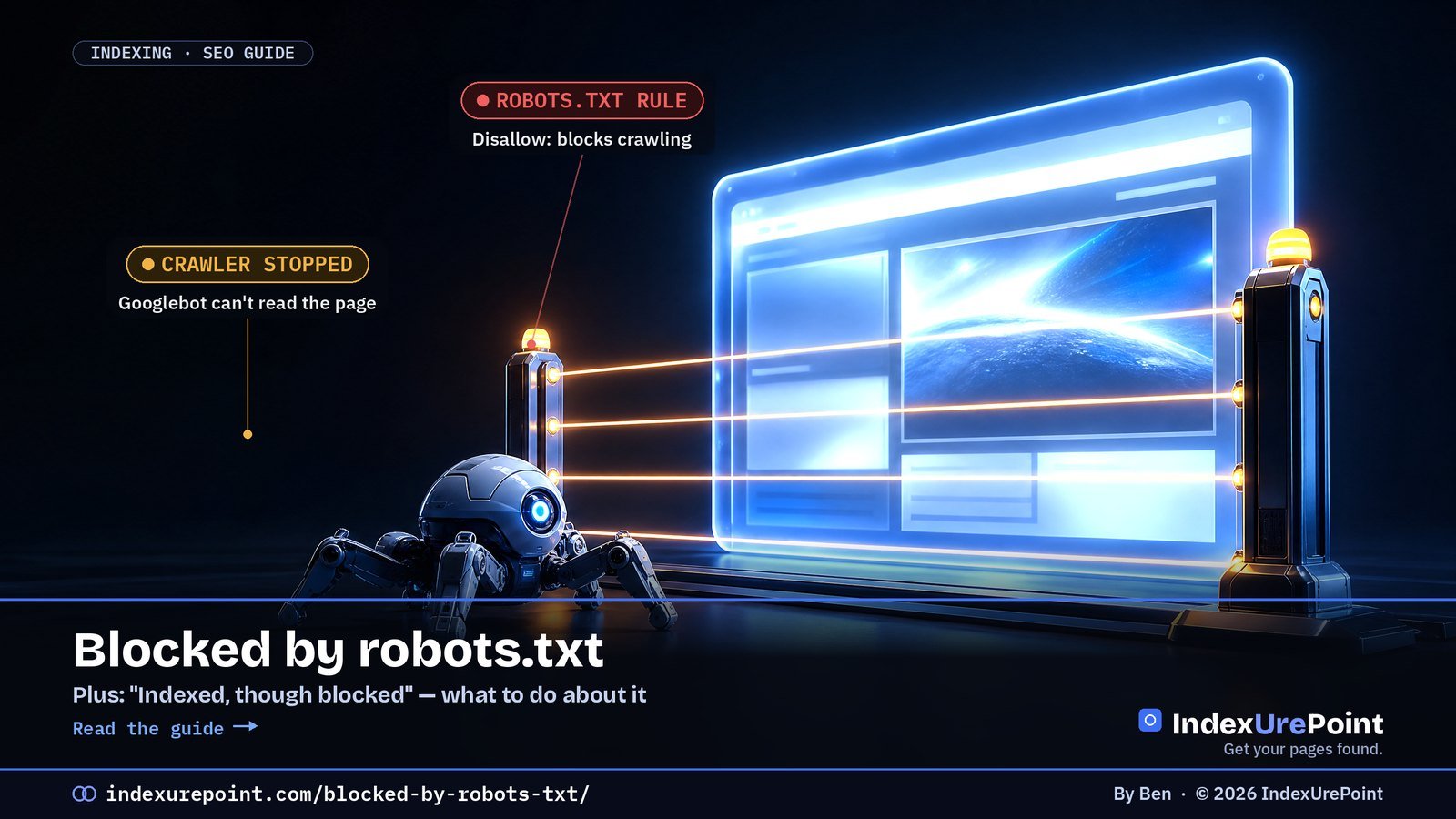
“Blocked by robots.txt” means your robots.txt forbids Googlebot from crawling the URL — and because robots.txt controls crawling, not indexing, the blocked page can still end up in Google as a bare, description-less result.
- robots.txt stops crawling; noindex stops indexing. Mixing them up is the most common robots mistake.
- “Indexed, though blocked by robots.txt” happens when links point at a URL Google may not read.
- To remove a page from Google you must allow crawling so Google can see the noindex.
- Common accidental blocks: a leftover Disallow: / from staging, or a prefix rule that matches more than intended.
- Rules match by prefix: Disallow: /blog also blocks /blog-tips/.
“Blocked by robots.txt” means your robots.txt file tells Googlebot not to crawl this URL, so Google can’t read it — and won’t index its content.
“Indexed, though blocked by robots.txt” is the odd twin: Google indexed the URL anyway, usually because other pages link to it, but without being able to read it.
The key rule: robots.txt controls crawling, not indexing. To keep a page out of Google, use noindex — and let Google crawl the page so it can see it.
Blocked by robots.txt
Indexed, though blocked
What do you actually want?
How to fix both
FAQ
“Blocked by robots.txt” — what it means
Your robots.txt (at yoursite.com/robots.txt) contains a Disallow rule that matches this URL. Googlebot obeys it and doesn’t fetch the page. For admin areas, cart pages and internal search results, that’s exactly what you want. For articles and product pages, it’s a mistake.
Common accidental blocks: a leftover Disallow: / from a staging site, a too-broad rule like Disallow: /p that also matches /products/, or a plugin that rewrote the file.
“Indexed, though blocked by robots.txt” — what it means
Google can index a URL it isn’t allowed to crawl if enough links point to it. It then shows the URL with little or no description, because it never read the page. This is a warning, and it trips people up in both directions:
Unblock it
Fix: remove the Disallow rule so Google can crawl and properly index the content.
Unblock + noindex
Fix: allow crawling and add noindex. Blocked pages can’t show Google their noindex.
| Goal | robots.txt | noindex | Right choice |
|---|---|---|---|
| Keep a page out of Google results | Unreliable | Yes | Allow crawling + noindex |
| Save crawl budget on filters/search pages | Yes | No effect on crawl | robots.txt Disallow |
| Remove an already-indexed page | Makes it worse | Yes | Unblock + noindex, or 404/410 |
| Keep AI training crawlers out | Yes (per user agent) | No | robots.txt, see AI crawlers guide |
What do you actually want?
- Page should rank → it must be crawlable. Remove the matching Disallow rule.
- Page should never appear in search → allow crawling, add a noindex meta tag or X-Robots-Tag header. Once Google has dropped it, you can leave it as is.
- Page is crawl waste (filters, internal search, endless calendars) and isn’t indexed → a robots.txt block is fine. Ignore the report for those URLs.
How to fix both statuses
- Open the robots.txt report in Search Console (Settings → robots.txt). It shows the version Google fetched, when, and any parse errors.
- Find the matching rule. URL Inspection tells you a URL is blocked; compare its path with your Disallow lines. Remember that rules match by prefix.
- Edit carefully. On WordPress, Yoast (Tools → File editor) and Rank Math let you edit robots.txt; otherwise edit the file in your site root. Never block CSS or JavaScript your pages need to render.
- Keep the sitemap line. Add Sitemap: https://yoursite.com/sitemap_index.xml (or your sitemap’s URL) so crawlers find it.
- Validate. Click Validate fix on the issue, or Request indexing for the key pages.
The number-one robots.txt mistake is using it to “hide” pages. It hides nothing — it just blinds Google. Use robots.txt to save crawl effort, and noindex to control what’s shown in search.
Need to keep a PDF or image out of Google? Don’t block it in robots.txt — send a noindex with the X-Robots-Tag header instead.
Not robots.txt, but a 403? If Search Console shows “Blocked due to access forbidden (403)”, the block is in your firewall or server, not in robots.txt: here’s how to fix it.
Test your rules. Paste your robots.txt into our free robots.txt tester to see exactly which rule blocks a URL for Googlebot.
FAQ
Does robots.txt remove a page from Google?
No. robots.txt only stops crawling. A blocked URL can still be indexed from links. To remove a page, allow crawling and use noindex, or delete it and return 404/410.
Should I block AI crawlers in robots.txt?
You can, with rules for their specific user agents, but it’s a trade-off: blocking an assistant’s crawler can keep your content out of its answers. Decide per crawler, deliberately.
How fast does Google see robots.txt changes?
Google generally caches robots.txt for up to about a day. The robots.txt report in Search Console shows when it was last fetched.
Where did the robots.txt Tester go?
Google retired the old robots.txt Tester and replaced it with the robots.txt report under Settings in Search Console. URL Inspection also shows whether a specific URL is blocked.
Where do I find my robots.txt file?
It always lives at the root: yoursite.com/robots.txt. In WordPress, Yoast and Rank Math include an editor for it; otherwise edit the file on your server.
Can robots.txt hide a page from people?
No. Anyone can open the URL directly, and the robots.txt file itself is public. Use a login or password protection for genuinely private content.