Nederlands: Website aanmelden bij Google →
2026: also see How to get cited in AI search →
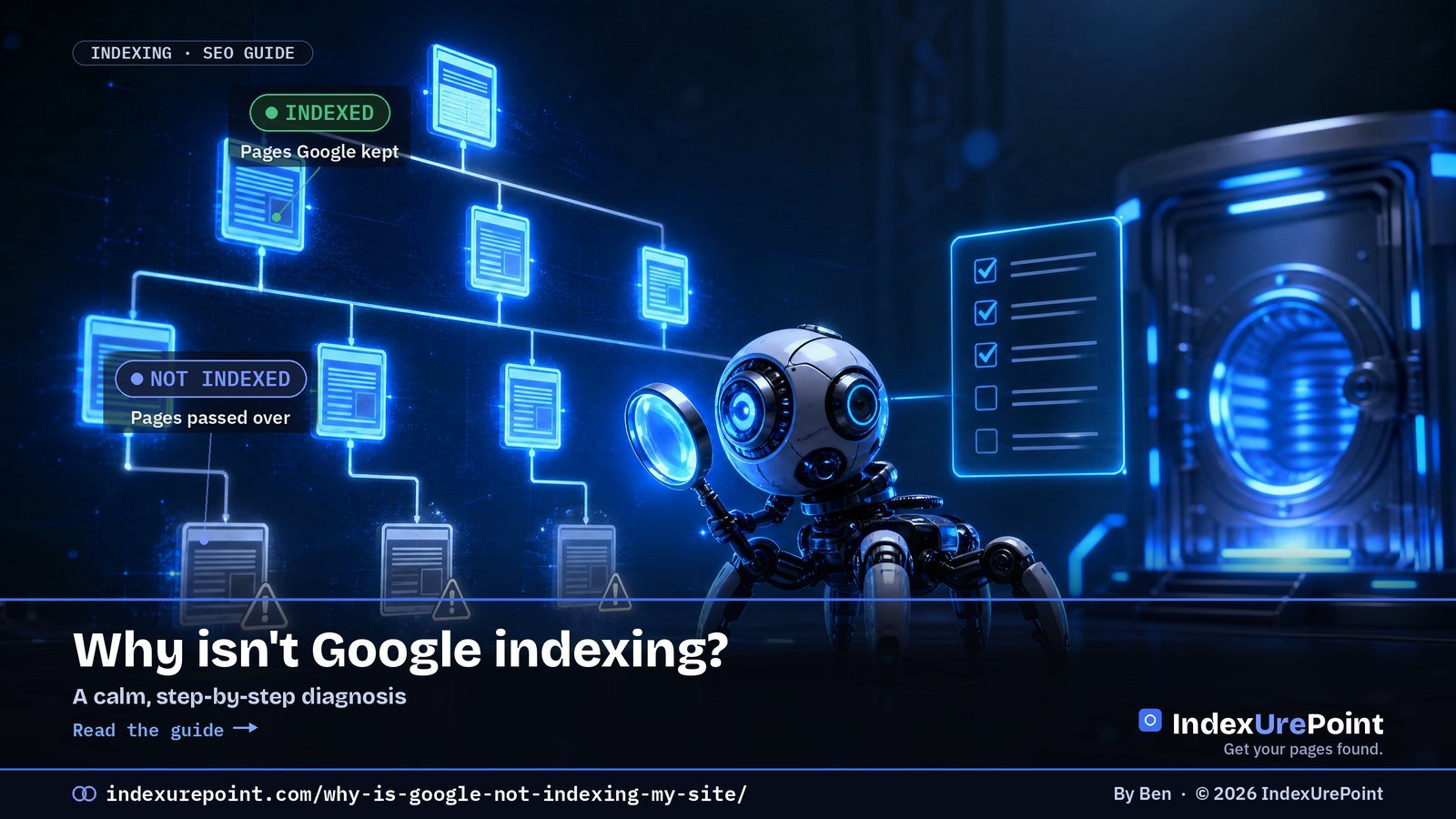
A page stays out of Google for one of three reasons: Google has not found it, found it but has not crawled it, or crawled it and decided not to keep it — work through allowed → reachable → worth keeping, in that order.
- Step 1 — allowed: rule out noindex, robots.txt blocks, “Discourage search engines” and stray canonicals first; they are the fastest fixes.
- Step 2 — reachable: orphan pages and missing sitemap entries are the classic discovery killers.
- Step 3 — worth keeping: persistent “Crawled – currently not indexed” on a healthy site is a quality judgement, not a glitch.
- Your exact Search Console status tells you which stage you are stuck at — match the label to the fix.
- Most “not indexed” panic on young sites is just time: Google says indexing can take days to weeks.
A page isn’t indexed for one of three reasons: Google hasn’t found it, found it but hasn’t crawled it, or crawled it and decided not to keep it.
Work top to bottom: first make sure the page is allowed and reachable, then make it worth keeping. Most “not indexed” panic is really a young site that just needs time.
1. Is the page even allowed in?
2. Can Google find and reach it?
3. Is it worth keeping?
Read your exact GSC status
FAQ
1. Is the page even allowed to be indexed?
Before anything else, rule out the settings that tell Google to stay away. These are the fastest, most common fixes:
- A stray noindex tag (meta robots or the X-Robots-Tag HTTP header). This alone blocks indexing entirely — check the page source and response headers.
- Blocked in robots.txt. Blocking crawl means Google can’t read the page to index it. Confirm the URL isn’t disallowed.
- The whole site is set to “Discourage search engines” (WordPress → Settings → Reading). Easy to leave on after launch.
- A canonical pointing elsewhere. If the page defers to another URL, Google indexes that one instead. We cover this in depth in Duplicate, Google chose different canonical than user.
2. Can Google find and reach the page?
If the page is allowed but still absent, the issue is discovery or crawling — not quality. Check:
- Internal links. Orphan pages (nothing links to them) are the classic cause. Link the page from strong, already-indexed pages.
- Sitemap. The URL should be in your XML sitemap, and the sitemap submitted in Search Console.
- Click depth and server health. Pages buried deep, or served slowly / with 5xx errors, get crawled last.
That’s this exact stage: found, not fetched. The fix is links and crawl priority, not content. Full playbook in Crawled vs. Discovered — currently not indexed.
3. Is the page worth keeping?
If Google has crawled the page and still won’t index it, this is a value judgement. Be honest with yourself:
- Is it substantially unique, or a near-duplicate of something you (or others) already published?
- Does it answer a real query better than what currently ranks?
- Is it thin? Consolidate several weak pages into one strong one and redirect.
Persistent “crawled – not indexed” on a healthy site is usually Google’s read on content quality or domain authority — not a technical glitch. The fix is making the page genuinely worth a spot.
| GSC status | Stage | Guide |
|---|---|---|
| Excluded by noindex / Blocked by robots.txt | Not allowed | noindex · robots.txt |
| Discovered – currently not indexed | Not fetched | Crawled vs. Discovered |
| Crawled – currently not indexed | Fetched, not kept | Crawled vs. Discovered |
| Duplicate / canonical statuses | Kept — as another URL | Duplicates · Canonical choice |
| Soft 404 / Page with redirect | Looks absent | Soft 404 · Redirects |
Read your exact Search Console status
Search Console tells you which stage you’re stuck at — match the label to the fix (full list in Google’s Page indexing documentation):
Fetched, not kept
Value problem. Improve the page, then let Google recrawl.
Brand-new site and everything’s slow? That’s often normal — see how long Google takes to index before you worry.
Other statuses you might see
- Excluded by ‘noindex’ tag — the page tells Google to stay out.
- Blocked by robots.txt / Indexed, though blocked — crawling rules gone wrong.
- Soft 404 — the page looks empty or missing to Google.
- Duplicate without user-selected canonical and Alternate page with proper canonical tag — duplicates and canonicals.
- Page with redirect — usually normal; Redirect error is not.
- Sitemap could not be read / Couldn’t fetch — sitemap problems.
Seeing a 403 or 401 in the report? That means Googlebot was refused at the door — usually by a firewall or bot filter. See blocked due to access forbidden (403).
Seeing a duplicate or canonical status? Our guide to canonical tags and indexing explains every one of them.
FAQ
Google indexed my old pages but not new ones. Why?
Usually discovery or crawl priority: the new pages aren’t linked strongly yet, or the site’s crawl budget is spent elsewhere. Add internal links from established pages and make sure they’re in your sitemap.
I requested indexing days ago and nothing happened.
“Request indexing” queues the URL; it doesn’t force it. If the page is allowed, reachable, and worth keeping, it’ll come. If it stays out past a few weeks on an established site, revisit steps 1–3.
Does Google index every page of a site?
No, and it shouldn’t. Thin, duplicate, or utility pages are often deliberately left out. Focus indexing effort on the pages that deserve to rank.
Will paid indexing services fix this?
Rarely and not durably. They mostly help get backlinks discovered, not your own pages accepted. If Google crawled and declined a page, pinging it again changes nothing — fix the cause.
What should I check first when a page is not indexed?
The cheap switches: a noindex tag, a robots.txt block, WordPress’s “Discourage search engines” setting and the canonical. Only then look at links and content quality.
Is paying for indexing services a shortcut?
For your own pages, no: if Google crawled and declined a page, pinging it again changes nothing. Fix the reason it was declined.
Comments
3 responses to “Why Isn’t Google Indexing My Site? A Step-by-Step Diagnosis”
[…] New here? Start with Why isn’t Google indexing my site? → […]
[…] Overview; if an assistant can’t fetch or find it, it can’t quote it. Everything in our indexing diagnosis is step zero for AI visibility […]
[…] Start here […]