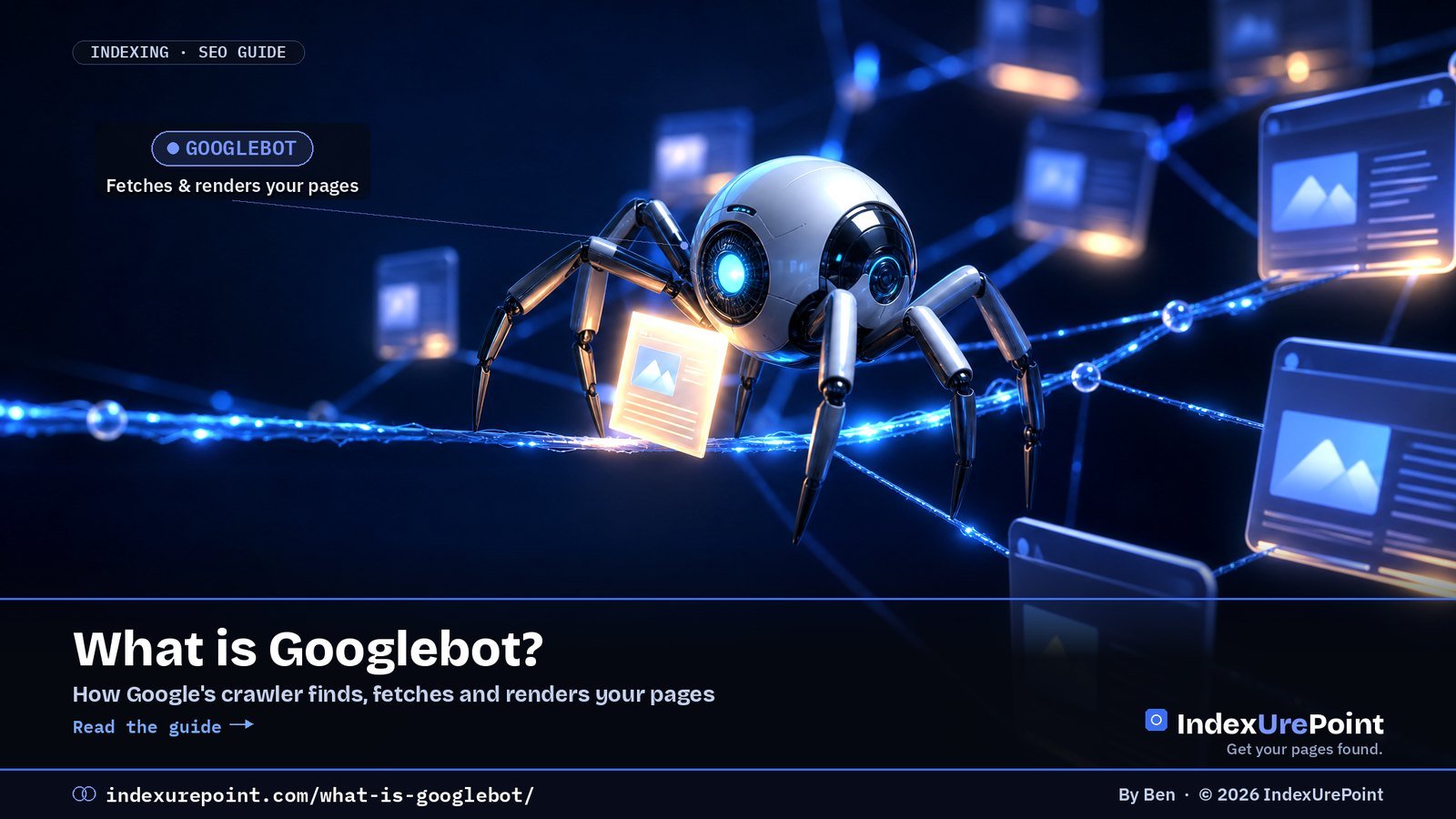
Googlebot is Google’s web crawler: the program that discovers URLs, fetches your pages, renders them with an up-to-date Chrome engine and hands the result to Google’s indexing systems — if it cannot fetch or render a page, that page cannot rank.
- “Googlebot” is two crawlers, Googlebot Smartphone and Googlebot Desktop, and most crawl requests come from the smartphone one. Both obey the same robots.txt token, so you cannot block one without the other.
- For Google Search, Googlebot reads only the first 2 MB of an HTML or other supported file (64 MB for a PDF). The often-quoted 15 MB is the general default for all Google crawlers, not Googlebot’s Search limit.
- Googlebot Image (Googlebot-Image/1.0) feeds Google Images, Discover and every Search feature that shows images, logos or favicons; Googlebot Video (Googlebot-Video/1.0) feeds video features.
- Googlebot News has no user-agent string of its own: it crawls with the normal Googlebot user agents and only exists as a robots.txt token.
- Anyone can fake the Googlebot user agent: verify with a reverse and forward DNS lookup, or against Google’s published IP-range files, before you block or whitelist.
Googlebot is Google’s web crawler: the program that fetches pages so Google can index them. Today it mostly crawls as a smartphone, renders JavaScript with an up-to-date Chrome engine, and follows the rules in your robots.txt.
Next to the main crawler, Googlebot Image and Googlebot Video fetch images and videos for their own Search features. If Googlebot can’t fetch or render a page, it can’t be indexed, so most “not indexed” problems start with checking what Googlebot actually sees.
How Googlebot works
Googlebot Smartphone and Desktop
Googlebot Image
Googlebot Video
Googlebot News
The whole Googlebot family
See what Googlebot sees
Googlebot in your server logs
Real or fake Googlebot?
FAQ
How does Googlebot work?
- Discover. Googlebot finds URLs through links, sitemaps and previously known pages.
- Crawl. It fetches the page, respecting robots.txt and adjusting its speed to how fast and healthy your server is.
- Render. It runs the page’s JavaScript in an evergreen Chromium, so content loaded by scripts can be seen — if the scripts work for Googlebot.
- Hand over for indexing. The rendered content goes to Google’s indexing systems, which decide whether to keep it.
When crawling for Google Search, Googlebot crawls the first 2 MB of a supported file type and the first 64 MB of a PDF, measured uncompressed. Every CSS and JavaScript file is fetched separately under the same limit. Content beyond the cut-off is not indexed, so keep important text and links high in very long pages.
What are Googlebot Smartphone and Googlebot Desktop?
Googlebot is the generic name for two crawlers: Googlebot Smartphone, which simulates a user on a mobile device, and Googlebot Desktop, which simulates a desktop user. Google states that the majority of crawl requests are made with the mobile crawler and a minority with the desktop one, because Google indexes the mobile version of your site.
Both crawlers obey the same robots.txt token, Googlebot. You cannot allow the smartphone crawler and block the desktop crawler, or the other way round. In URL Inspection, the “Crawled as” line tells you which one fetched the page; for most sites it says Googlebot smartphone.
If content, links or structured data exist only on the desktop version of a page, Google may not see them. Check the mobile rendering first when a page is missing from the index.
What does Googlebot Image crawl?
Googlebot Image fetches image files for Google Images and for every Search feature that shows a picture. Its user-agent string is Googlebot-Image/1.0, and it listens to the robots.txt tokens Googlebot-Image or, failing a specific group, Googlebot.
Blocking it reaches further than most people expect. According to Google’s crawler list, it affects Google Images, Discover, Video mode and all features in Google Search where images, logos and favicons are shown. Block it on your whole site and your favicon and article thumbnails can disappear from results.
# Keep one folder of images out of Google Images, allow everything else
User-agent: Googlebot-Image
Disallow: /private-images/
To get credit for the images you do want shown, the metadata matters as much as access: see image metadata SEO.
What does Googlebot Video crawl?
Googlebot Video fetches video files and video-related content for Google Search. Its user-agent string is Googlebot-Video/1.0; it obeys the tokens Googlebot-Video or Googlebot. Google says blocking it affects video-related Search features and other products that depend on videos.
A page can be indexed while its video is not: Googlebot reads the page, Googlebot Video fetches the file. If your video never gets a video result, check that the video file itself is not blocked by robots.txt or a firewall rule that only lets the main Googlebot through.
# Keep raw video files out of video features
User-agent: Googlebot-Video
Disallow: /media/raw/
Is there a separate Googlebot News crawler?
Not as a separate visitor. Google writes that Googlebot-News has no HTTP user-agent string of its own: crawling is done with the normal Googlebot user agents. Googlebot-News exists only as a robots.txt token. Blocking it affects Google News (news.google.com and the Google News app), not regular Search.
Which crawlers belong to the Googlebot family?
Several Google crawlers and tokens look alike but do different jobs. The table lists what each one controls and what happens in Search if you block it.
| Crawler / token | User-agent string | Job | Blocking it affects |
|---|---|---|---|
| Googlebot Smartphone | …Mobile Safari/537.36 (compatible; Googlebot/2.1; +http://www.google.com/bot.html) | Most Search crawling | Search, Discover, Images, Video mode, News |
| Googlebot Desktop | …(KHTML, like Gecko; compatible; Googlebot/2.1; +http://www.google.com/bot.html) Chrome/W.X.Y.Z Safari/537.36 | A minority of Search crawling | Same token as smartphone |
| Googlebot-Image | Googlebot-Image/1.0 | Image files | Google Images, Discover, image/logo/favicon features |
| Googlebot-Video | Googlebot-Video/1.0 | Video files | Video features in Search |
| Googlebot-News | None (uses Googlebot strings) | robots.txt token only | Google News |
| Google-InspectionTool | Google-InspectionTool/1.0 | URL Inspection, Rich Results Test | Nothing in Search |
| Google-Extended | None | Token for Gemini training and grounding | Nothing in Search; not a ranking signal |
W.X.Y.Z stands for the current Chrome version, which changes over time; Google advises using a wildcard when you filter logs. Blocking Google-Extended does not hurt your Search rankings. More on that trade-off in our guide to AI crawlers and robots.txt, and on testing your rules in the robots.txt tester.
How do you see what Googlebot sees?
- URL Inspection → Test live URL → View tested page. Shows the rendered HTML, a screenshot and any resources that failed to load. This test is run by Google-InspectionTool, so a firewall that only trusts the Googlebot user agent can make the live test fail while real crawling works.
- Crawl stats report (Settings in Search Console). Shows how often Googlebot visits, response times and errors — the best way to spot server problems.
- Server logs. The ground truth of which URLs Googlebot requests, and how often.
If the rendered page looks right but the URL is still missing, work through how to check if a page is indexed and then crawled vs. discovered — currently not indexed.
How do you find Googlebot in your server logs?
Filter your access log on the string Googlebot, then verify the IP addresses before you trust the result. A quick first pass on a standard Apache or Nginx log:
grep -i "googlebot" access.log | awk '{print $1}' | sort | uniq -c | sort -rn | head
That lists the IPs claiming to be Googlebot, busiest first. Check the top ones with the DNS test below. Look at which URLs real Googlebot requests most: if it spends its visits on parameter URLs or redirects, that is where your crawl budget goes.
Real or fake Googlebot?
Anyone can put “Googlebot” in a user-agent string, and scrapers often do. Google describes two ways to verify:
- DNS check. Run a reverse DNS lookup on the IP. A real Google crawler resolves to a host in googlebot.com, google.com or googleusercontent.com (Googlebot itself looks like crawl-66-249-66-1.googlebot.com). Then run a forward lookup on that hostname and confirm it returns the same IP.
- IP-range check. Compare the IP with Google’s published JSON files: common-crawlers.json for Googlebot, plus special-crawlers.json and user-triggered-fetchers.json for other Google agents. The old googlebot.json address now redirects to common-crawlers.json.
host 66.249.66.1
host crawl-66-249-66-1.googlebot.com
Don’t block unknown bots blindly with a firewall rule that also catches Googlebot — it’s one of the most common hidden causes of “Couldn’t fetch” and pages dropping out. Verify first, then block. A rule that returns 403 Forbidden to Googlebot shows up in Search Console as exactly that.
How often does Googlebot come back? There’s no fixed schedule; it depends on demand and your server. Details and real numbers in how often Google crawls a site.
FAQ
How often does Googlebot crawl my site?
It depends on your site’s size, popularity, how often it changes and how fast your server responds. The Crawl stats report shows the actual numbers.
Can I make Googlebot crawl faster?
Not directly; Google does not take requests for a higher crawl rate. Fast, error-free servers, strong internal links and fresh, useful content encourage more crawling. The manual crawl-rate limiter in Search Console was retired on 8 January 2024.
Can I slow Googlebot down?
In an emergency, return 500, 503 or 429 status codes: Google lowers the crawl rate for the whole hostname and raises it again once the errors stop. Don’t keep it up for more than a day or two, or URLs may be dropped from the index.
What is the difference between Googlebot and Googlebot Image?
Googlebot fetches pages for Search; Googlebot Image (Googlebot-Image/1.0) fetches the image files for Google Images, Discover and image features such as logos and favicons. You can block one folder for Googlebot-Image without touching page crawling.
What does Googlebot Video do?
Googlebot Video (Googlebot-Video/1.0) fetches video files for video-related features in Google Search. A page can be indexed while its video isn’t, if the video file is blocked.
Does Googlebot follow nofollow links?
Google treats nofollow as a hint. It may still discover URLs through them, but they don’t pass ranking signals in the normal way.
What user agent does Googlebot use?
The smartphone crawler identifies as Googlebot/2.1 inside a mobile Chrome string; the desktop crawler uses a desktop Chrome string with the same Googlebot/2.1 part. Treat the user agent as a claim: verify the IP via DNS before trusting it.
Does Googlebot accept cookies or log in?
It crawls stateless: no logins, no filled forms. Anything behind authentication is invisible to Search, which is also the reliable way to keep content private.