Part of our guide: canonical tags and indexing, every Search Console status explained →
Lees deze gids in het Nederlands →
New here? Start with Why isn’t Google indexing my site? →
Related: Crawled vs. Discovered — currently not indexed →
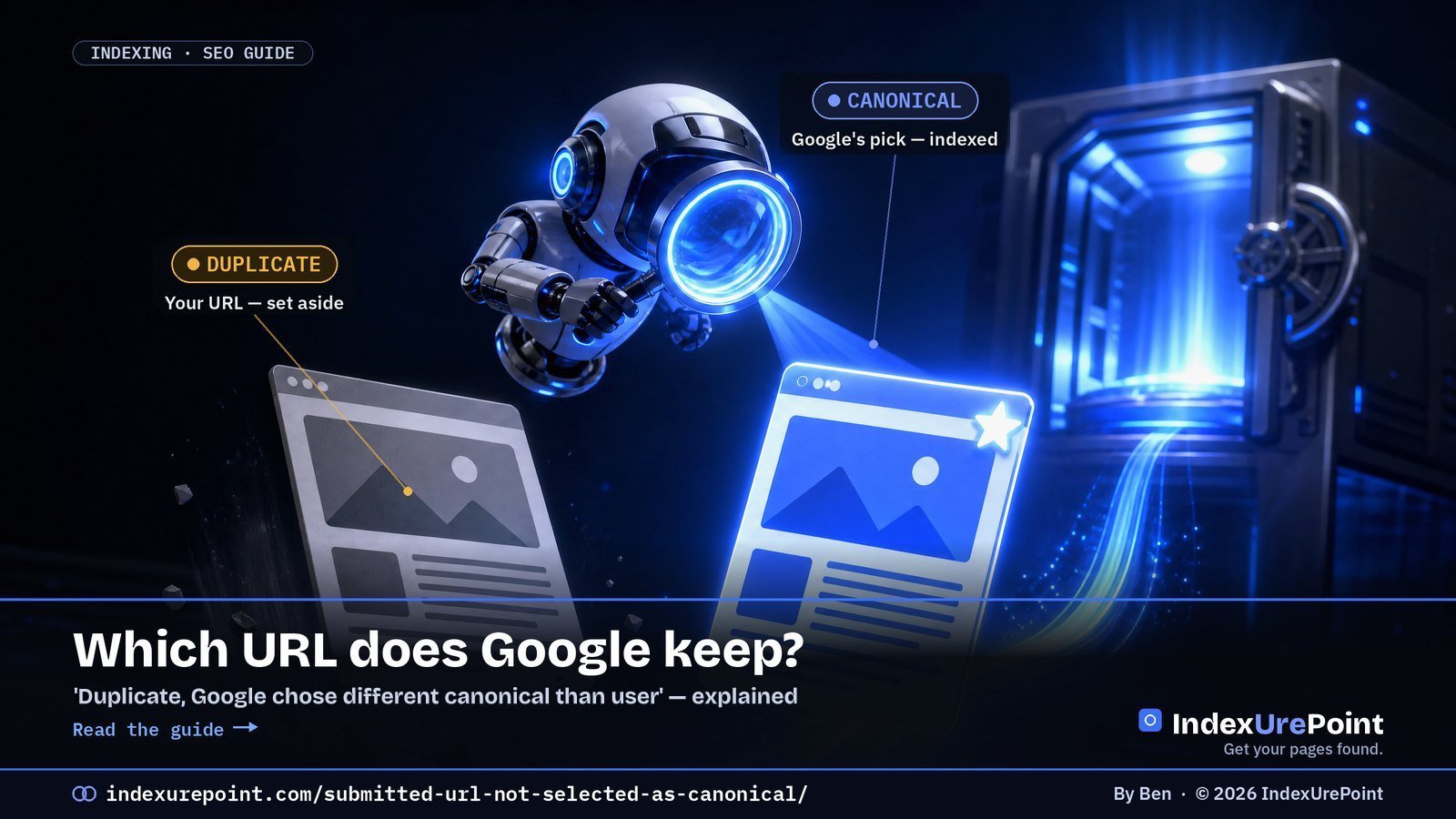
What does “Duplicate, Google chose different canonical than user” mean? You marked this URL as the canonical, with a rel=”canonical” tag or by listing it in your sitemap, but Google decided a different URL is the better version and indexed that one instead — not a bug, a disagreement.
- Google groups near-identical URLs and indexes exactly one: the canonical. Your tag is a hint, not a command.
- It is not the same as “Duplicate without user-selected canonical”: there the page declares no canonical at all, and Google picked one for you.
- “Alternate page with proper canonical tag” is usually fine: you pointed, Google agreed.
- The cure is alignment: sitemap, canonical tag, internal links and redirects must all name the same URL.
- Re-submitting in URL Inspection does not change Google’s canonical choice — fixing the signal conflict does.
- Google can hold pages in a duplicate cluster for up to two weeks, so give a fix time before you judge it.
“Duplicate, Google chose different canonical than user” means you told Google this URL is the canonical (with a canonical tag or your sitemap), but Google decided a different URL is the real version and indexed that one instead.
Older guides and audit tools call this “Submitted URL not selected as canonical”. That name comes from Search Console’s old Index Coverage report and is not in Google’s current list of statuses; the situation it described now shows up as Duplicate, Google chose different canonical than user or, when the page declares no canonical, as Duplicate without user-selected canonical.
Neither is a bug. It’s Google saying “I found a page I think is the same as this — and I picked the other one.” Your job is to make your preferred URL the obvious winner.
What “canonical” means
The canonical statuses you’ll see
How to check Google’s choice
How to fix it
When it’s normal
FAQ
What does “canonical” actually mean?
When two or more URLs show Google near-identical content, Google groups them and picks one to index and rank. That chosen URL is the canonical. The others are treated as duplicates and quietly set aside — they still exist, they just don’t get their own spot in the index.
You can suggest a canonical (with a rel=”canonical” tag, your sitemap, internal links, redirects). But Google treats your tag as a hint, not a command. When Google’s own signals point elsewhere, it overrides you — and that’s exactly what these Search Console messages are telling you.
Google’s own Page indexing report documentation describes this status in one line: “This page is marked as canonical for a set of pages, but Google thinks another URL makes a better canonical.” Google then indexes the URL it chose, not yours.
Which canonical statuses will you see, and what does each one mean?
Google disagreed
“Duplicate, Google chose different canonical than user”: your rel=”canonical” or sitemap names this URL; Google indexed a different one it considers the original.
Google picked for you
“Duplicate without user-selected canonical”: the page declares no canonical; Google sees it as a duplicate and chose another URL.
A close cousin, “Alternate page with proper canonical tag,” is usually fine: it means the page correctly points to another canonical, and Google agreed. That one you can normally ignore — it’s the system working as intended. Every canonical status side by side is in our guide to canonical tags and indexing.
How do you check if Google chose a different canonical?
- Is the content truly unique, or near-identical to the chosen URL?
- Do your internal links point to the URL you want?
- Is your rel=”canonical” self-referencing and correct?
- Does the chosen URL have more internal/external links?
- Are there http/https or www/non-www duplicates?
- Do sitemap, canonical and redirects all agree?
Each “no” is a signal you can align. The goal is simple: make every signal point to the same, single URL.
Two limits, both from Google’s URL Inspection documentation: the live test cannot predict whether the tested version will be chosen as canonical, because Google decides that at indexing time, and the indexed values can be a few hours old. Our guide to checking if a page is indexed walks through the tool step by step.
| Signal | Should point to | Common conflict |
|---|---|---|
| rel="canonical" tag | The page itself (self-referencing) | Copied templates pointing elsewhere |
| XML sitemap | Final, canonical URLs only | Parameter or redirecting URLs listed |
| Internal links | The clean canonical URL | Menus linking to variants |
| Redirects | Variants → canonical, one hop | http/www variants left resolving |
How do you fix “Google chose different canonical than user”?
- Make your signals agree. Your sitemap, your rel=”canonical”, your internal links, and any redirects should all name the same URL. Mixed signals are the number-one cause of Google overriding you.
- Self-reference the canonical. Every important page should point its canonical tag at itself (unless it genuinely is a duplicate). A missing or wrong tag invites Google to guess.
- Kill accidental duplicates. http vs https, www vs non-www, trailing slashes, tracking parameters, and printer/AMP variants all create twins. Redirect the variants to one canonical version; those variants then show up as Page with redirect, which is expected.
- Strengthen the URL you want. If Google chose a different page because it has more links, add internal links to your preferred URL from strong, already-indexed pages. A preferred URL with no internal links at all is an orphan page; fix that first.
- Consolidate genuinely thin duplicates. If two pages really are the same, don’t fight it — merge them and 301-redirect the loser. One strong page beats two competing ones.
- Rule out the less obvious causes. Google’s canonicalization troubleshooting guide also lists language variants without hreflang, incorrect canonical elements (often from a CMS or plugin), misconfigured servers, hacked pages, syndicated content and copycat sites.
Don’t spam URL Inspection’s “Request indexing” hoping Google flips its choice. It won’t, and it wastes your time. Fix the underlying signal conflict, then let Google recrawl and re-evaluate on its own schedule.
When is a different canonical completely normal?
Plenty of these entries are harmless. Paginated pages, filtered/faceted URLs, and syndicated content should point to a canonical elsewhere — and “Alternate page with proper canonical tag” confirms that’s working. Only act when a URL you genuinely want indexed is being passed over for another.
FAQ
Is “Duplicate, Google chose different canonical than user” hurting my rankings?
Not directly — the content still ranks via the URL Google chose. It only hurts if the chosen URL is a weaker or wrong version, or if link equity is being split across duplicates. Fix the signals so your preferred URL wins.
Will a rel=”canonical” tag force Google to obey?
No. It’s a strong hint, not a directive. If your other signals (links, sitemap, redirects) contradict the tag, Google can and will override it. Alignment beats any single tag.
How long until Google changes its canonical choice?
After you align the signals, it can take days to a few weeks for Google to recrawl both URLs and re-evaluate; Google says it can hold pages in a duplicate cluster for up to two weeks. Don’t re-submit repeatedly; give it one clean recrawl cycle.
Should I worry about “Alternate page with proper canonical tag”?
Usually not. It means the page correctly defers to another canonical and Google agreed — the system working as designed. Only investigate if the “alternate” is actually a unique page you wanted indexed.
Can I force Google to accept my canonical?
No single signal forces it. Google weighs your tag against links, sitemap, redirects and content similarity; when they all agree, Google almost always follows.
Does this status mean my content is duplicated somewhere else on the web?
Not necessarily. Most cases are internal: your own URL variants. Cross-site canonicals matter mainly for syndicated content.
Comments
2 responses to “Duplicate, Google Chose Different Canonical Than User: What It Means and How to Fix It”
[…] Fix canonical confusion. If two URLs look the same to Google, it keeps one and drops the other. Make your canonicals explicit. See our full canonical guide. […]
[…] A canonical pointing elsewhere. If the page defers to another URL, Google indexes that one instead. We cover this in depth in Duplicate, Google chose different canonical than user. […]