Part of our guide: canonical tags and indexing, every Search Console status explained →
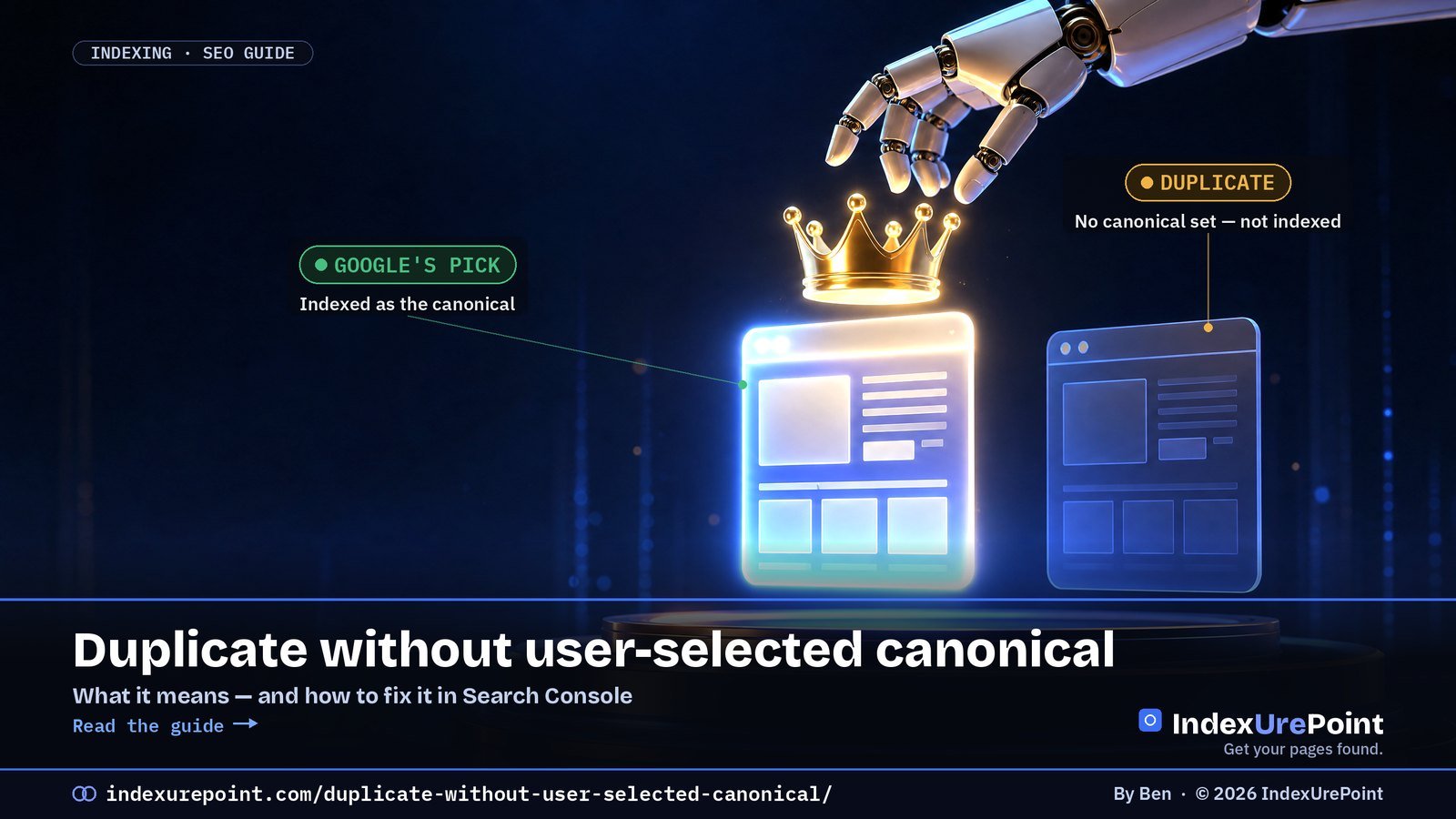
“Duplicate without user-selected canonical” means Google found near-identical pages on your site, you never said which one is the main version, so Google picked one itself — and this URL lost.
- This is an informational status, not an error: Google indexed the version it judged canonical.
- The number-one cause is URL variants: parameters, http/https, www/non-www and trailing slashes.
- The fix is alignment: a self-referencing canonical tag plus sitemap, internal links and redirects that all name the same URL.
- Google treats rel="canonical" as a hint, not a command — conflicting signals get overridden.
- Only act when a URL you actually want to rank is the one being set aside.
“Duplicate without user-selected canonical” means Google found this URL, decided it’s a duplicate of another page, and noticed you never said which version is the main one — so Google picked for you.
Most of the time the fix is simple: give every important page a self-referencing canonical tag, and point duplicate variants (parameters, http/https, trailing slashes) at the one URL you want indexed.
If the listed URLs are junk variants you never wanted in search, this status is harmless.
What “Duplicate without user-selected canonical” means
Google’s own wording: the page is a duplicate of another page, although it doesn’t indicate a preferred canonical page. Two things are true at once:
Two near-identical pages
Result: it groups them and indexes only one — the canonical.
No canonical declared
Result: Google chose the winner on its own signals. This URL lost.
It’s the “silent” sibling of Duplicate, Google chose different canonical than user. There you declared a canonical and Google disagreed; here you declared nothing at all.
| Canonical status in GSC | Who declared a canonical? | Google’s verdict | Action |
|---|---|---|---|
| Duplicate without user-selected canonical | Nobody | Google picked one itself | Add self-referencing canonicals; align signals |
| Google chose different canonical than user | You did | Google disagreed | Strengthen your preferred URL; fix conflicts |
| Alternate page with proper canonical tag | You did | Google agreed | Usually none — working as intended |
The usual causes
- URL parameters. ?utm_source=, ?sort=, ?ref= and session IDs create endless copies of one page.
- Protocol and host variants. http vs https, www vs non-www — if both resolve without redirecting, you have twins.
- Trailing slashes and case. /page and /page/ are different URLs to Google.
- CMS extras. WordPress attachment pages, tag and archive pages that mirror post content, printer-friendly versions, faceted filters in shops.
- Missing canonical tags. A theme or setup that simply doesn’t output rel=”canonical”.
Check it in 60 seconds
- Google picked your real page as canonical?
- Then it’s working as intended.
- Optionally add a canonical to make it explicit.
- Is it actually unique, or near-identical to the chosen URL?
- Does it have a self-referencing canonical?
- Do your internal links and sitemap point to it?
How to fix it (in order)
- Add self-referencing canonicals everywhere. Every indexable page should declare itself as canonical. On WordPress, Yoast SEO, Rank Math and All in One SEO do this automatically — check your page source for rel=”canonical”.
- Redirect the obvious twins. Force one protocol and host with a 301 (https + either www or non-www) and pick one trailing-slash style.
- Point variants at the original. Parameter and filter URLs should carry a canonical pointing to the clean URL.
- Make your signals agree. Sitemap, canonical tags and internal links should all name the same URL. Link internally to the clean version only.
- Make genuinely different pages different. If two pages are “duplicates” because they share 90% of their text, rewrite or merge them — a canonical tag can’t make thin twins unique.
Don’t chase a zero count. Big sites always have duplicate variants, and this report listing them means Google handled them. Only act when a URL you want in search is the one being set aside.
FAQ
Is “Duplicate without user-selected canonical” an error?
No. It’s an informational status explaining why a URL isn’t indexed. It only needs action if the URL is a page you want to rank.
What’s the difference with “Alternate page with proper canonical tag”?
With “Alternate page with proper canonical tag” you declared a canonical and Google agreed. With “Duplicate without user-selected canonical” you declared none, so Google chose. See our guide to Alternate page with proper canonical tag.
Should I click “Validate fix”?
Only after you’ve changed something, such as adding canonicals or redirects. Validation makes Google recrawl the affected URLs, which typically takes up to about two weeks.
Will adding canonical tags get the page indexed?
Canonical tags tell Google which version you prefer; they’re a strong hint, not a command. If the page is unique and useful and your other signals agree, Google usually follows them.
Do URL parameters always cause duplicate content?
Tracking and sorting parameters create duplicate URLs, not duplicate content penalties. Google folds them into a canonical; your job is making sure it folds them into the right one.
Can I see which canonical Google chose?
Yes. URL Inspection in Search Console shows both the user-declared canonical and the Google-selected canonical for any URL on your verified site.