Part of our guide: canonical tags and indexing, every Search Console status explained →
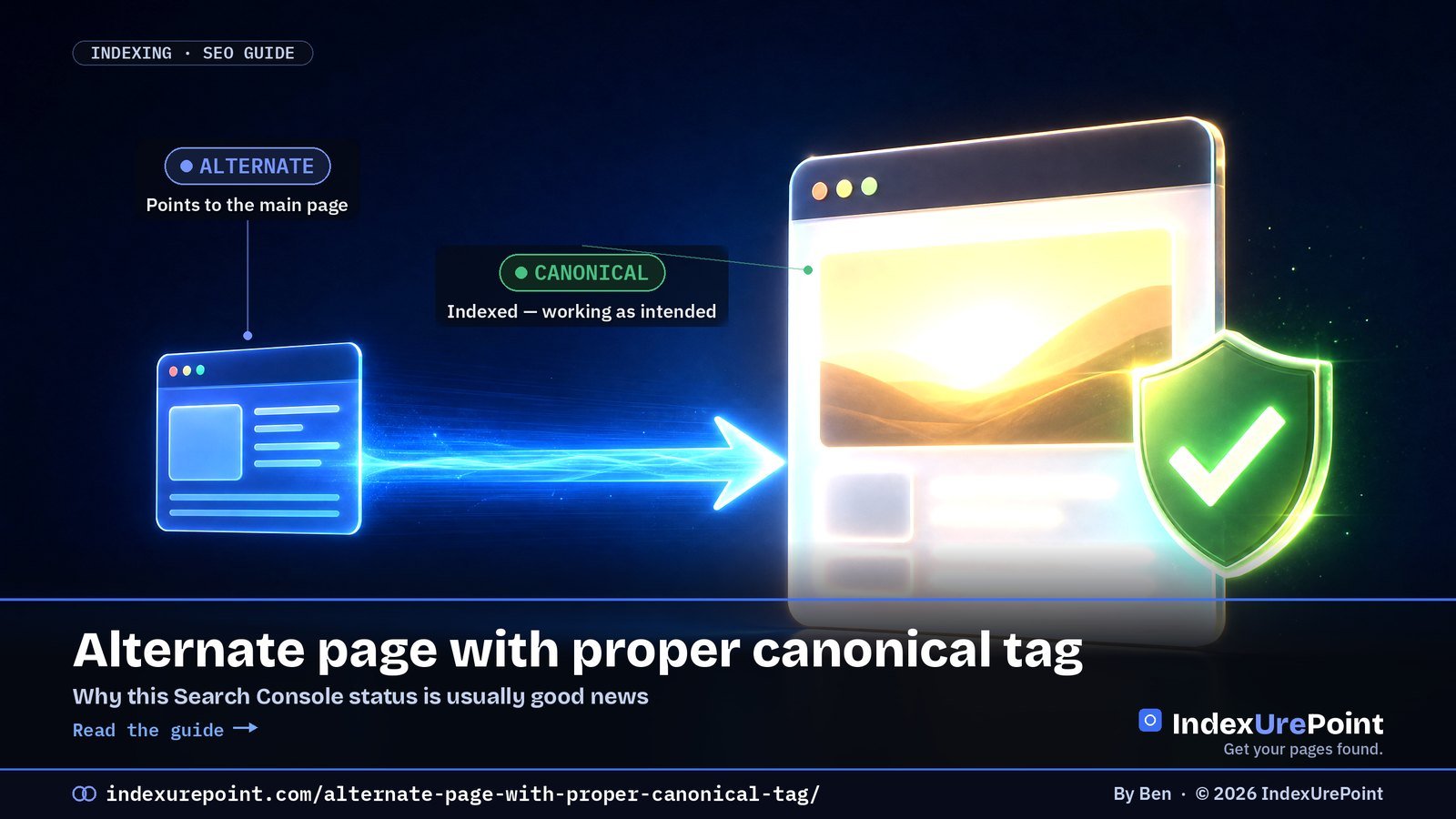
“Alternate page with proper canonical tag” means this URL points to another page as the main version and Google agreed — in most cases that is your canonical setup working exactly as intended.
- This status is usually good news: the canonical page is indexed and collects the ranking signals.
- Normal residents of this list: parameter URLs, AMP/mobile variants, product variants and syndicated copies.
- It becomes a problem only when a unique page you want to rank appears here — then its canonical points to the wrong place.
- A growing count usually just means Google is discovering more variants and handling them correctly.
- Language versions belong in hreflang, not in canonicals: each language is its own canonical page.
“Alternate page with proper canonical tag” is usually good news. It means this URL points to another page as the canonical, Google agreed, and the canonical page is indexed.
In other words: your setup is working. The alternate URL isn’t indexed on purpose, and its content is represented by the canonical.
Only act if a page listed here is a unique page you want to rank — then its canonical tag is pointing to the wrong place.
What it means
When it’s completely normal
When it’s a real problem
How to fix a wrong canonical
FAQ
What “Alternate page with proper canonical tag” means
Google’s description: the page is marked as an alternate of another page and correctly points to the canonical page, which is indexed. You said “the main version lives over there,” and Google said “agreed.”
The alternate
Status: not indexed by design. Its rel=”canonical” points elsewhere.
The main version
Status: indexed. It collects the ranking signals for both URLs.
When it’s completely normal (most of the time)
- Tracking and sort parameters — ?utm_source=, ?sort=price — pointing to the clean URL.
- Separate mobile or AMP versions that point to the main page.
- Product variants (colour, size) that canonicalize to one main product page.
- Syndicated or republished copies that credit the original.
In all these cases, a growing number in this report simply means Google is discovering more variants and handling them correctly. You don’t need to “fix” anything, and you don’t need to click Validate fix.
| What’s listed | Is it a problem? | What to do |
|---|---|---|
| Tracking/sort parameter URLs | No | Nothing |
| AMP or mobile variants | No | Nothing |
| Product variants pointing to the main product | No | Nothing |
| Unique articles or products you want ranked | Yes | Make their canonical self-referencing |
| Language versions canonicalized to one language | Yes | Self-canonical + hreflang |
When it’s a real problem
It’s a problem only when a URL in this list should be indexed in its own right. Typical culprits:
- A theme or plugin bug that sets every page’s canonical to the homepage or to page 1 of a blog.
- Copied templates where a hard-coded canonical from one page ended up on others.
- Paginated pages (page 2, 3…) canonicalized to page 1, which hides the posts linked only from deeper pages.
- Language versions canonicalized to one language instead of each pointing to itself and using hreflang.
Scan the example URLs in the report. If they’re all parameter or variant URLs, relax. If you see real articles, product pages or language versions, open one in URL Inspection and check the “User-declared canonical.”
How to fix a wrong canonical
- Make unique pages self-referencing. Each page you want indexed should point its canonical at itself.
- Find the source. Check your SEO plugin’s per-page canonical field, your theme header, and any “canonical URL” setting that was filled in by mistake.
- Handle languages with hreflang, not canonicals. Each language version is its own canonical; hreflang links them together.
- Then validate. After fixing, use Validate fix or URL Inspection → Request indexing for the key pages, and give Google time to recrawl.
This is the one “not indexed” status we’d call a health signal. If you want to worry about canonicals, look at Duplicate without user-selected canonical and Google chose different canonical than user instead.
FAQ
Should I fix “Alternate page with proper canonical tag”?
Usually not. It confirms your canonical tags work. Only fix it when a unique page you want indexed appears in the list.
Does this status hurt my SEO?
No. The canonical page is indexed and receives the signals. It’s the intended outcome of a correct canonical setup.
Why is the number going up?
Google is finding more variant URLs — new parameters, filters or tracking links — and correctly folding them into their canonicals. That’s normal as a site grows.
Should I remove these URLs with the Removals tool?
No. The Removals tool only hides URLs temporarily and isn’t meant for canonical variants. Leave them; Google is already treating them correctly.
What is a canonical tag?
A rel=”canonical” link in the page head that names the main version of a page. Search engines use it as a strong hint when choosing which of several similar URLs to index.
How do I check what a page declares as canonical?
View the page source and search for rel=”canonical”, or inspect the URL in Search Console, which shows the user-declared and the Google-selected canonical side by side.