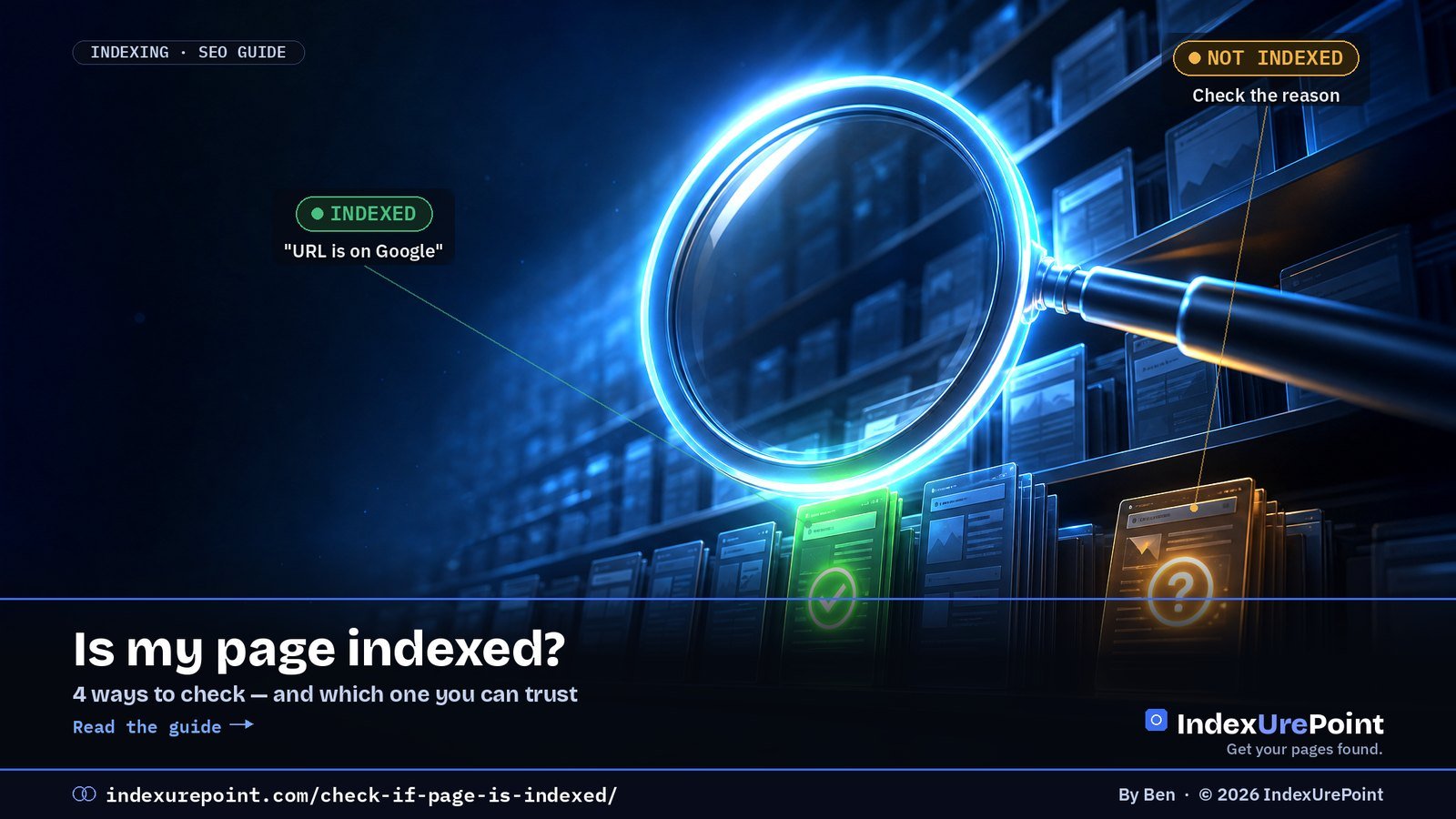
The reliable way to check if a page is indexed is URL Inspection in Google Search Console: it answers “URL is on Google” or “URL is not on Google” and, crucially, tells you why — the site: operator is only a rough sample.
- URL Inspection is the source of truth; the Page indexing report gives whole-site counts by reason.
- A missing result in a site: search does not prove a page is unindexed — Google says the operator shows a subset.
- Third-party bulk checkers guess from search queries; useful for URLs you do not own, wrong in both directions.
- Indexed ≠ ranking: an indexed page can still sit on page five for your target query.
- Check Bing too — a page can be indexed in one engine and missing in the other.
The reliable way to check if a page is indexed is URL Inspection in Google Search Console: it says “URL is on Google” or “URL is not on Google” and tells you why.
The site: search is a quick rough check, but it’s incomplete and can mislead. Third-party “index checkers” are guesses built on the same rough signals. For whole-site numbers, use the Page indexing report.
Four ways to check, ranked by reliability
- 1. URL Inspection (Search Console) — the source of truth. Paste the URL in the bar at the top. You’ll see whether it’s on Google, the last crawl date, the user-declared and Google-selected canonical, and the exact reason if it’s not indexed.
- 2. Page indexing report (Search Console) — how many of your pages are indexed and, grouped by reason, which ones aren’t. Best for spotting patterns across a site.
- 3. site: search — type site:yoursite.com/page-url into Google. If it shows up, it’s indexed. If it doesn’t, it might still be indexed — Google says the site: operator doesn’t show every indexed URL.
- 4. Third-party index checkers — convenient for bulk lists of URLs you don’t own (like backlinks), but they rely on search queries and can be wrong in both directions.
URL Inspection shows Google’s last known version. Click Test live URL to check whether the page as it is now can be indexed — useful right after you fix a noindex or a robots.txt block.
| Method | Reliability | Works for | Tells you why? |
|---|---|---|---|
| URL Inspection (GSC) | Definitive | Your verified sites | Yes |
| Page indexing report | Definitive, site-wide | Your verified sites | Yes, grouped |
| site: search | Rough sample | Any site | No |
| Third-party checkers | Approximate | Any URL list | No |
Reading the URL Inspection result
Indexed
Means: the page can appear in results. Ranking is a separate question.
Not indexed
Means: check the reason under Page indexing — each status has a specific fix.
Common reasons and their guides: Crawled / Discovered – currently not indexed, Excluded by noindex, Duplicate without user-selected canonical, Soft 404 and Page with redirect. “URL is unknown to Google” simply means Google hasn’t found it yet.
Checking Bing too
Bing Webmaster Tools has its own URL Inspection with the same idea: indexed or not, and why. It’s worth checking both — a page can be indexed in one and missing in the other. See our Bing Webmaster Tools guide.
Stop refreshing site: searches. One URL Inspection gives you a definitive answer and the reason — which is the only thing you can actually act on.
FAQ
Why does site: show fewer pages than Search Console?
The site: operator is a rough sample, not a full list. Search Console’s Page indexing report is the accurate count.
Can I check if someone else’s page is indexed?
Not with URL Inspection, which only works for properties you’ve verified. For other sites, a site: search or a third-party checker is the best you can do.
URL Inspection says indexed, but I can’t find my page. Why?
Indexed doesn’t mean ranking. The page is eligible to appear, but it may rank low for the queries you’re trying. Search for a unique sentence from the page in quotes to confirm.
How often does the indexing status update?
URL Inspection reflects Google’s latest crawl of that page. The Page indexing report is updated periodically and can lag by several days.
Can I check indexing for a whole list of URLs at once?
For your own site, the Page indexing report covers everything. For external lists, bulk checkers approximate; expect some false negatives.
Does “URL is on Google” guarantee my page shows in results?
It means the page is eligible. Whether it appears depends on ranking; search a unique quoted sentence from the page to confirm it can surface.